## Screenshot: Google Search Interface with Autocomplete Suggestions
### Overview
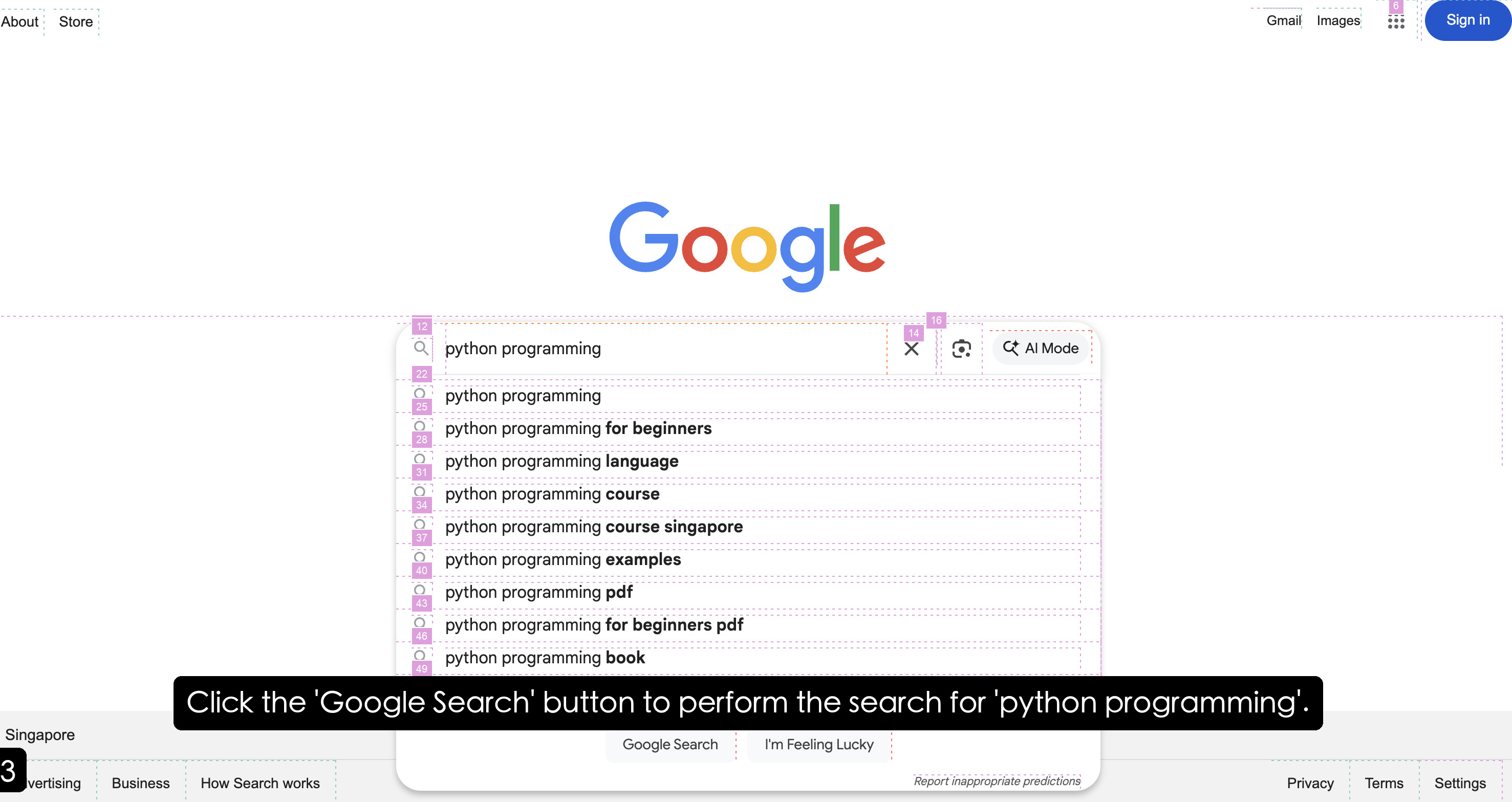
The image depicts a Google search interface with a focus on the search bar and autocomplete suggestions. The query "python programming" is entered in the search field, and a dropdown list of related search suggestions is visible. A black instructional banner overlays the interface, directing users to click the "Google Search" button. The footer contains standard Google navigation links.
### Components/Axes
- **Header**:
- Google logo (centered, multicolored: blue, red, yellow, blue, green, red).
- Top-right navigation: "Gmail," "Images," and a grid icon (9 dots) with a "Sign in" button.
- **Search Bar**:
- Text input field with the query "python programming."
- Autocomplete suggestions dropdown (white background with purple numbering).
- **Footer**:
- Links: "Privacy," "Terms," "Settings" (bottom-right corner).
- "Singapore" label (bottom-left corner).
### Detailed Analysis
#### Autocomplete Suggestions
The dropdown contains 10 suggestions, each prefixed with a purple box containing a number:
1. **12**: "python programming"
2. **22**: "python programming"
3. **25**: "python programming"
4. **28**: "python programming for beginners"
5. **31**: "python programming language"
6. **34**: "python programming course"
7. **37**: "python programming course singapore"
8. **40**: "python programming examples"
9. **43**: "python programming pdf"
10. **46**: "python programming for beginners pdf"
11. **49**: "python programming book"
Each suggestion is separated by a dotted line. The numbers in purple boxes likely indicate ranking or step order in a tutorial.
#### Footer Links
- "Privacy," "Terms," and "Settings" are listed in the bottom-right corner.
- "Singapore" is labeled in the bottom-left corner, possibly indicating regional settings.
#### Instructional Banner
A black banner spans the width of the interface with white text:
> "Click the 'Google Search' button to perform the search for 'python programming'."
### Key Observations
1. **Autocomplete Suggestions**: All suggestions are variations of "python programming," indicating a focus on Python-related queries.
2. **Numbered Suggestions**: The purple boxes with numbers (e.g., 12, 22) suggest a step-by-step guide or ranking system, though their exact purpose is unclear without additional context.
3. **AI Mode**: A button labeled "AI Mode" is visible in the search bar, hinting at AI-generated search results.
4. **Instructional Overlay**: The black banner explicitly directs users to click the "Google Search" button, implying this is a tutorial or mockup.
### Interpretation
This image appears to be a mockup or tutorial demonstrating how to perform a search on Google. The numbered autocomplete suggestions likely serve as a guide for users to select specific queries, possibly as part of a step-by-step process. The presence of "AI Mode" suggests integration of AI-driven search features, while the instructional banner reinforces user interaction with the search button. The footer links and regional label ("Singapore") indicate standard Google interface elements, though their relevance to the tutorial is unclear. The repetition of "python programming" in the suggestions emphasizes the query's popularity or relevance.