## Screenshot: Remote Employee Monitor Ordering Instructions
### Overview
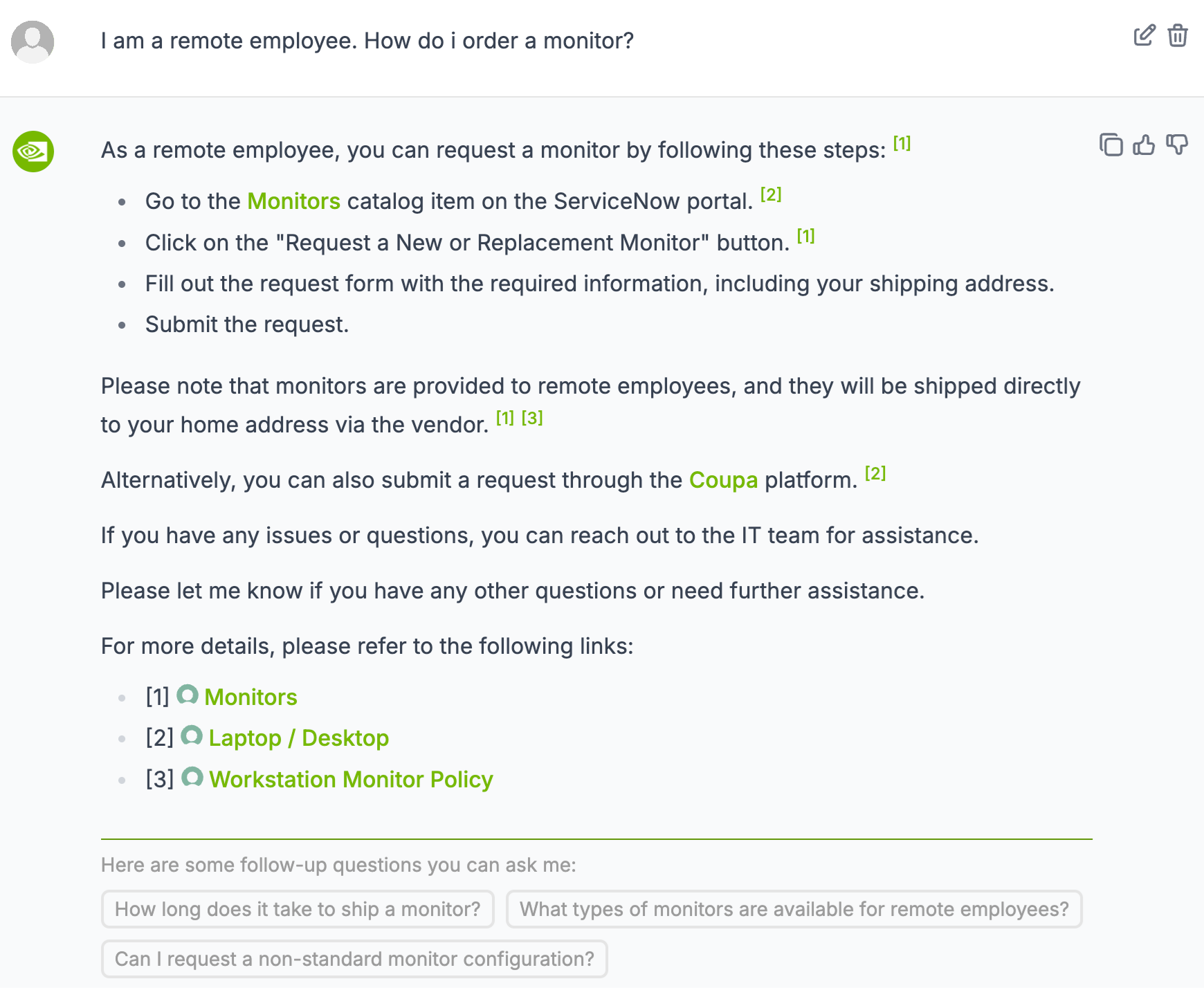
The image is a screenshot of a help document or FAQ addressing the question of how a remote employee can order a monitor. It provides step-by-step instructions and links to relevant resources.
### Components/Axes
* **Header:** "I am a remote employee. How do i order a monitor?"
* **Main Content:**
* Introductory statement: "As a remote employee, you can request a monitor by following these steps: [1]"
* Numbered list of steps:
* "Go to the Monitors catalog item on the ServiceNow portal. [2]"
* "Click on the 'Request a New or Replacement Monitor' button. [1]"
* "Fill out the request form with the required information, including your shipping address."
* "Submit the request."
* Additional information: "Please note that monitors are provided to remote employees, and they will be shipped directly to your home address via the vendor. [1] [3]"
* Alternative method: "Alternatively, you can also submit a request through the Coupa platform. [2]"
* Contact information: "If you have any issues or questions, you can reach out to the IT team for assistance."
* Closing statement: "Please let me know if you have any other questions or need further assistance."
* Links section: "For more details, please refer to the following links:"
* "[1] Monitors"
* "[2] Laptop / Desktop"
* "[3] Workstation Monitor Policy"
* **Footer:** "Here are some follow-up questions you can ask me:"
* "How long does it take to ship a monitor?"
* "What types of monitors are available for remote employees?"
* "Can I request a non-standard monitor configuration?"
### Detailed Analysis or ### Content Details
The document provides two primary methods for requesting a monitor:
1. **ServiceNow Portal:**
* Navigate to the "Monitors" catalog item.
* Click the "Request a New or Replacement Monitor" button.
* Complete the request form, including the shipping address.
* Submit the request.
2. **Coupa Platform:**
* Submit a request through the Coupa platform.
The document also notes that monitors are shipped directly to the employee's home address by the vendor.
The links section provides access to more detailed information about monitors, laptops/desktops, and the workstation monitor policy.
The follow-up questions section suggests potential inquiries related to shipping time, available monitor types, and non-standard configurations.
### Key Observations
* The document is designed for remote employees.
* Two methods are provided for requesting a monitor.
* The document emphasizes the direct shipping of monitors to the employee's home.
* Links are provided for additional information.
* The follow-up questions section anticipates common employee inquiries.
### Interpretation
The document aims to streamline the process of ordering a monitor for remote employees. By providing clear instructions and links to relevant resources, it reduces the need for employees to contact IT support for basic inquiries. The inclusion of follow-up questions suggests an effort to anticipate and address common concerns. The document highlights the company's policy of providing monitors to remote employees and shipping them directly to their homes, indicating a commitment to supporting remote work arrangements.