## Screenshot: Remote Employee Monitor Ordering Guide
### Overview
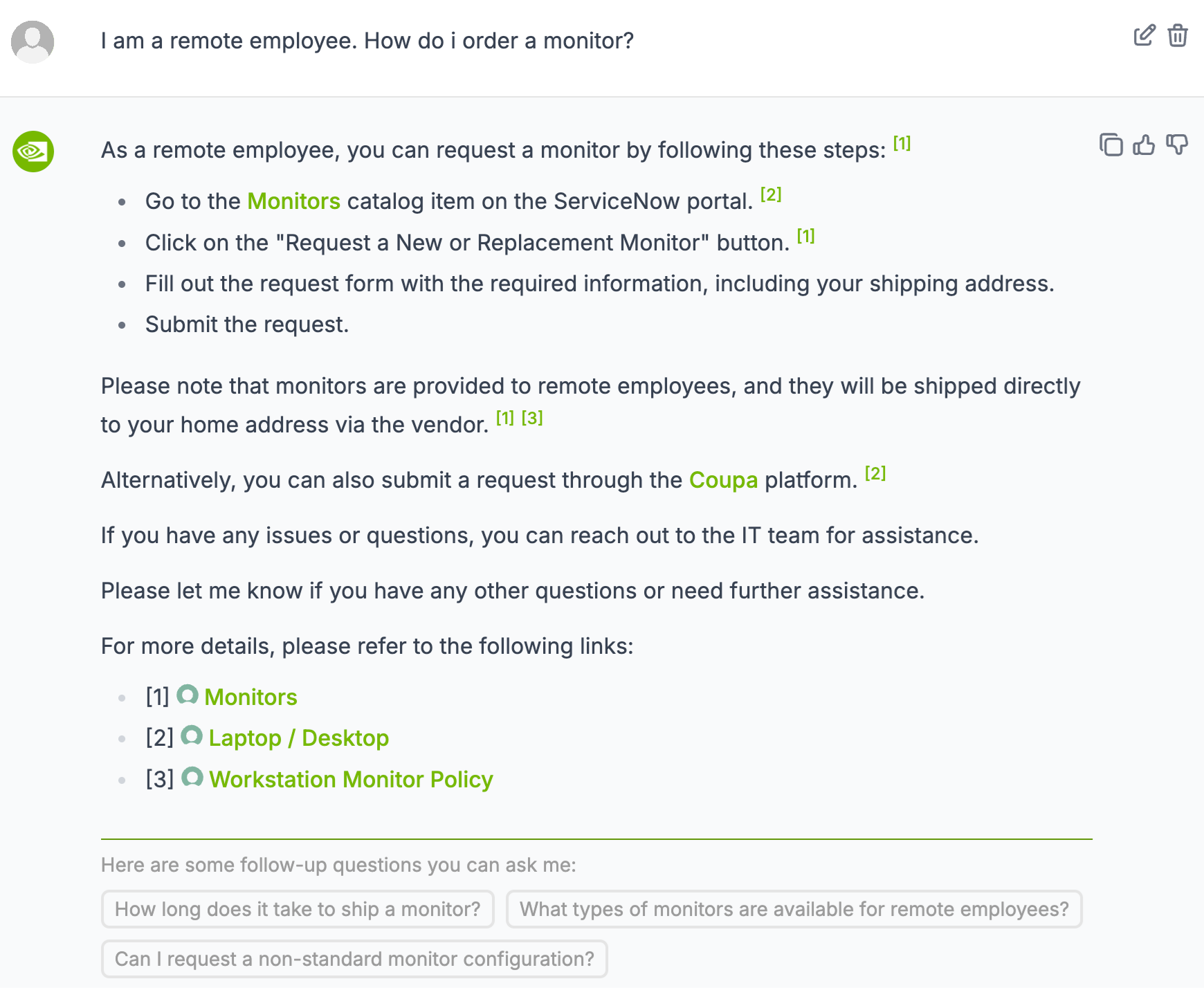
The image is a screenshot of a help article providing instructions for remote employees to request a monitor. It includes step-by-step guidance, notes, alternative methods, and follow-up questions. The text is primarily black on a light gray background, with green highlights for key terms and links.
### Components/Axes
- **Header**:
- User query: *"I am a remote employee. How do I order a monitor?"*
- UI elements: Edit (pencil icon) and Delete (trash icon) buttons.
- **Main Content**:
- **Steps**:
1. *"Go to the Monitors catalog item on the ServiceNow portal."*
2. *"Click on the 'Request a New or Replacement Monitor' button."*
3. *"Fill out the request form with the required information, including your shipping address."*
4. *"Submit the request."*
- **Notes**:
- Monitors are shipped directly to the home address via the vendor.
- Alternative method: Submit a request through the **Coupa platform**.
- **Support**: Contact the IT team for issues/questions.
- **Follow-Up Questions**:
- *"How long does it take to ship a monitor?"*
- *"What types of monitors are available for remote employees?"*
- *"Can I request a non-standard monitor configuration?"*
### Detailed Analysis
- **Step 1**: Directs users to the ServiceNow portal’s "Monitors" catalog item.
- **Step 2**: Specifies the exact button to click for initiating the request.
- **Step 3**: Emphasizes the need to include the shipping address in the form.
- **Step 4**: Concludes with submitting the request.
- **Notes**:
- Monitors are provided to remote employees and shipped via the vendor (no in-office pickup).
- The Coupa platform is an alternative submission method.
- **Follow-Up Questions**: Address logistics (shipping time), product options, and customization.
### Key Observations
- Green highlights denote critical terms (e.g., "Monitors," "Coupa") and links.
- The guide assumes familiarity with ServiceNow and Coupa platforms.
- No visual elements (charts/diagrams) are present; content is purely textual.
### Interpretation
The document prioritizes clarity and accessibility for remote employees. By outlining explicit steps and providing alternative methods (e.g., Coupa), it accommodates different workflows. The follow-up questions suggest common pain points, such as shipping delays or hardware customization needs. The absence of visual aids implies the process is straightforward, but the inclusion of IT support contact indicates potential complexity in troubleshooting. The green highlights likely serve as quick-reference points for users navigating the portals.
## Final Output
The image contains no numerical data or visual trends. It is a procedural guide with structured text, emphasizing actionable steps and support resources for remote employees requesting monitors.