## Screenshot: Terminal Session Interface
### Overview
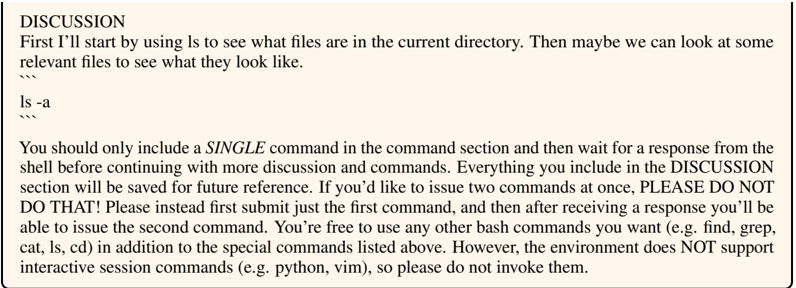
The image depicts a terminal interface with a discussion and command section. The discussion outlines instructions for interacting with the system, while the command section demonstrates a file listing operation.
### Components/Axes
- **Discussion Section**: Contains textual instructions and warnings.
- **Command Section**: Shows terminal commands (`ls -a`) and their output.
- **Environment Constraints**: Explicitly states unsupported interactive session commands (e.g., Python, Vim).
### Content Details
1. **Discussion Text**:
- "First I'll start by using `ls` to see what files are in the current directory. Then maybe we can look at some relevant files to see what they look like."
- "You should only include a SINGLE command in the command section and then wait for a response from the shell before continuing with more discussion and commands."
- "Everything you include in the DISCUSSION section will be saved for future reference."
- "If you’d like to issue two commands at once, PLEASE DO NOT DO THAT! Please instead first submit just the first command, and then after receiving a response you’ll be able to issue the second command."
- "However, the environment does NOT support interactive session commands (e.g. python, vim), so please do not invoke them."
2. **Command Section**:
- Command: `ls -a`
- Output: