## Screenshot: Experiment Instructions and Navigation
### Overview
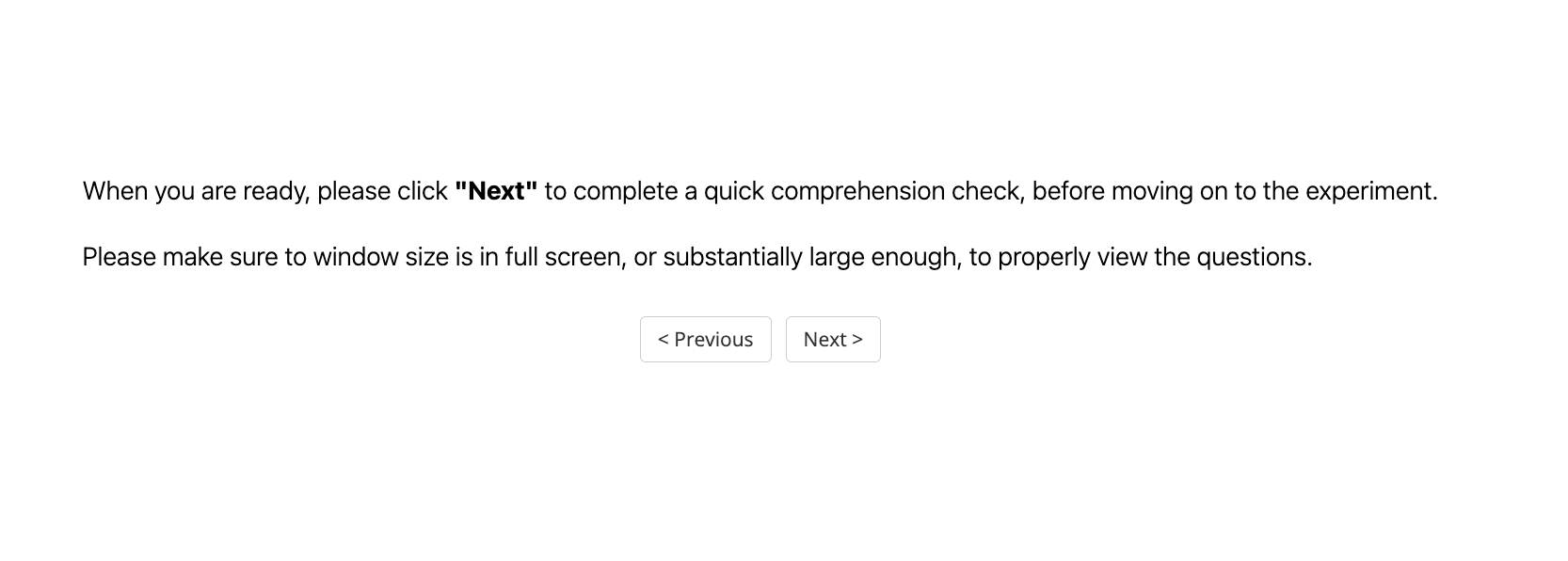
The image is a screenshot of a webpage displaying instructions for an experiment participant. It prompts the user to click "Next" to complete a comprehension check and emphasizes the importance of having the window in full screen or a substantially large size to view the questions properly. The page also includes "Previous" and "Next" buttons for navigation.
### Components/Axes
* **Text Instructions:** Two lines of text providing instructions to the user.
* **Navigation Buttons:** Two buttons labeled "< Previous" and "Next >".
### Detailed Analysis or ### Content Details
* **Text Instructions:**
* "When you are ready, please click "Next" to complete a quick comprehension check, before moving on to the experiment."
* "Please make sure to window size is in full screen, or substantially large enough, to properly view the questions."
* **Navigation Buttons:**
* "< Previous" button is located to the left of the "Next >" button.
* "Next >" button is located to the right of the "< Previous" button.
### Key Observations
* The instructions are clear and concise, preparing the user for the next step in the experiment.
* The emphasis on window size suggests that the comprehension check may involve visual elements or require a larger display area.
* The presence of both "Previous" and "Next" buttons indicates a sequential flow through the experiment.
### Interpretation
The screenshot represents a standard step in an online experiment, ensuring that participants understand the instructions and have the necessary viewing conditions before proceeding. The comprehension check serves as a quality control measure, while the navigation buttons allow users to move forward or backward through the experiment at their own pace. The instructions are designed to minimize potential issues related to screen resolution or visual clarity, which could affect the accuracy of the data collected.