\n
## Screenshot: Bonus Information and Navigation Interface
### Overview
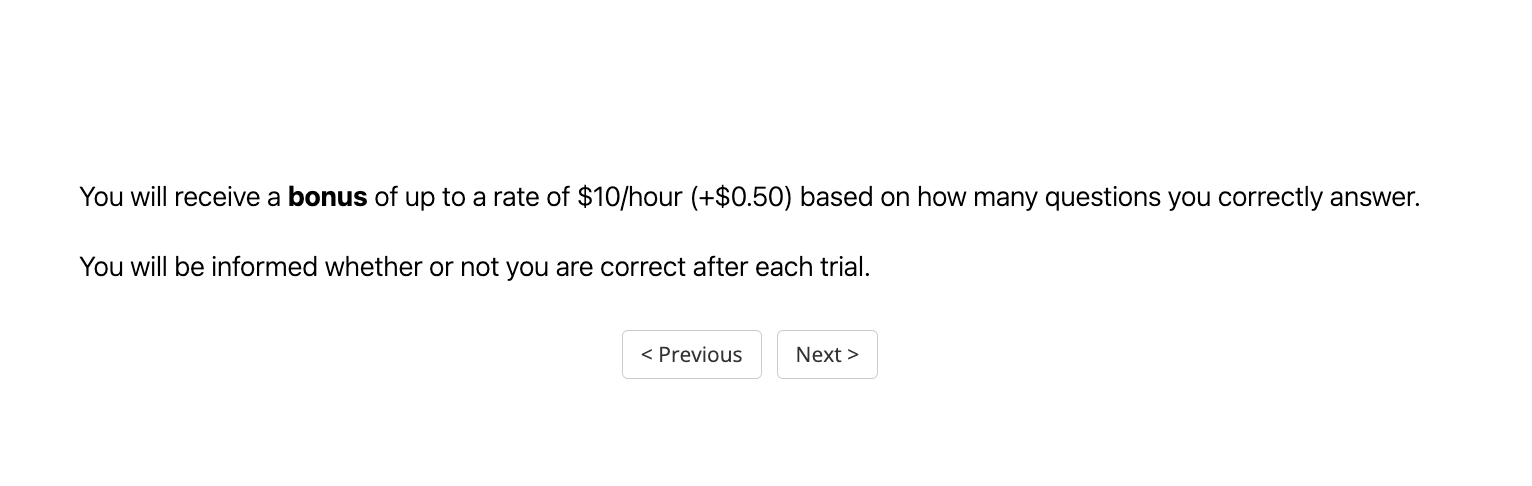
The image is a screenshot of a simple, text-based user interface, likely from a web application or digital survey/task platform. It displays informational text about a bonus payment structure and provides navigation buttons. The background is plain white, and the text is black, creating a high-contrast, minimalist design.
### Components/Axes
The interface consists of two primary components:
1. **Informational Text Block:** Two lines of centered text.
2. **Navigation Buttons:** Two rectangular buttons centered below the text.
### Detailed Analysis
**Text Content (Transcribed Precisely):**
* **Line 1:** "You will receive a **bonus** of up to a rate of $10/hour (+$0.50) based on how many questions you correctly answer."
* The word "bonus" is rendered in **bold** font weight.
* The text specifies a variable bonus rate with a base of up to $10 per hour and an incremental value of +$0.50.
* **Line 2:** "You will be informed whether or not you are correct after each trial."
* This line describes the feedback mechanism for the task.
**Button Elements:**
* **Left Button:** Labeled "< Previous". The label includes a left-pointing angle bracket (<).
* **Right Button:** Labeled "Next >". The label includes a right-pointing angle bracket (>).
* Both buttons have a light gray border and a white background, typical of default or unstyled HTML button elements.
**Spatial Grounding:**
* The entire text block is positioned in the vertical and horizontal center of the upper portion of the frame.
* The two navigation buttons are positioned side-by-side, centered horizontally, and located in the lower portion of the frame, below the text block. The "< Previous" button is to the left of the "Next >" button.
### Key Observations
* The interface is purely informational and functional, with no decorative elements, logos, or branding visible.
* The language is direct and instructional, outlining a clear incentive (bonus) and process (feedback after each trial).
* The presence of "Previous" and "Next" buttons strongly indicates this is one screen within a multi-step sequence, such as a tutorial, onboarding flow, or a series of task instructions.
### Interpretation
This screen serves as an **incentive and instruction panel** within a larger task-oriented application. Its primary functions are:
1. **Motivation:** To clearly communicate the performance-based bonus structure to the user, linking financial reward directly to accuracy ("how many questions you correctly answer").
2. **Process Clarification:** To set expectations about the immediate feedback loop ("after each trial"), which is a key element in learning or task-performance systems.
3. **Navigation:** To allow the user to move forward to the next step of the process or return to a previous one.
The design prioritizes clarity and comprehension over aesthetics. The use of bold on "bonus" draws the eye to the key incentive. The simple, unadorned buttons suggest a focus on utility. The overall context implies the user is about to engage in a series of questions or trials where their performance will be measured and rewarded.