## Screenshot: Task Instructions and Navigation Interface
### Overview
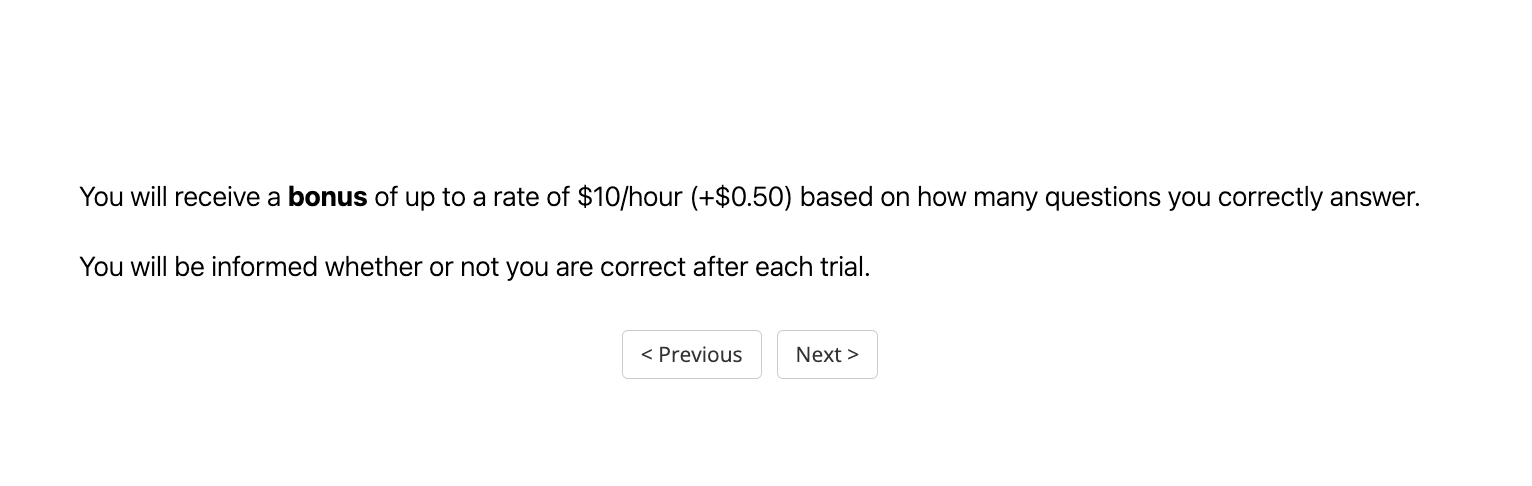
The image displays a text-based interface with instructions for a task, including a bonus structure and navigation controls. The text is presented in a clean, monospaced font on a white background.
### Components/Axes
- **Text Content**:
1. First paragraph: "You will receive a **bonus** of up to a rate of $10/hour (+$0.50) based on how many questions you correctly answer."
- Key terms: "bonus" (bolded), "$10/hour", "+$0.50".
2. Second paragraph: "You will be informed whether or not you are correct after each trial."
- **Buttons**:
- Two rectangular buttons centered below the text:
- Left button: Labeled "Previous" with a leftward arrow (`<`).
- Right button: Labeled "Next" with a rightward arrow (`>`).
### Detailed Analysis
- **Textual Details**:
- The bonus structure specifies a base rate of $10/hour, with an additional $0.50 per correct answer. The term "bonus" is emphasized via bold formatting.
- Feedback is guaranteed after each trial, indicating real-time performance tracking.
- **Button Placement**:
- Buttons are horizontally centered, with equal spacing between them and the text above.
- Arrows (`<` and `>`) suggest navigation through sequential trials or questions.
### Key Observations
- The interface prioritizes clarity, using bold text to highlight critical terms like "bonus."
- The bonus calculation is explicit: $10/hour base + $0.50 per correct answer, though the exact formula (e.g., per-question vs. hourly rate) is not fully detailed.
- Navigation buttons imply a linear progression through tasks or questions.
### Interpretation
This interface appears to be part of a user study or gamified task platform. The bonus structure incentivizes accuracy, while real-time feedback encourages engagement. The navigation buttons suggest participants can iterate through trials, possibly revisiting previous questions. The absence of visual distractions (e.g., charts, images) indicates a focus on textual instructions and minimal cognitive load.
**Note**: No numerical data trends or categorical labels are present, as the image contains only text and UI elements.