## Screenshot: Text Generation Tool Interface
### Overview
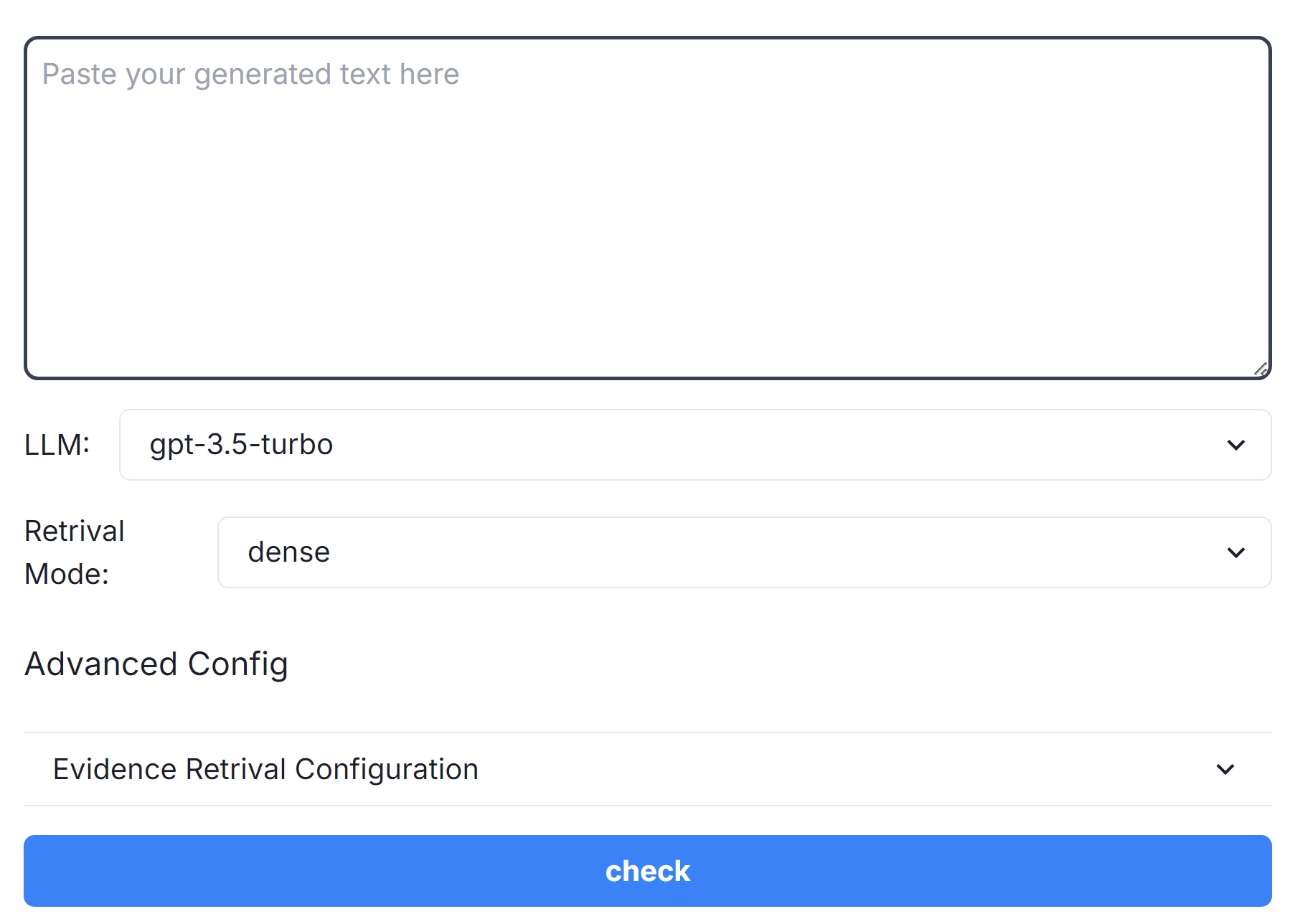
The image depicts a user interface for a text generation tool. It includes input fields, configuration options, and a submission button. The layout is minimalistic, with a focus on functionality for text processing tasks.
### Components/Axes
1. **Text Input Area**:
- A large rectangular text box with a dark border and rounded corners.
- Placeholder text: *"Paste your generated text here"* (gray, centered).
- Position: Top of the interface.
2. **LLM Selection**:
- Label: *"LLM:"* (left-aligned, bold).
- Dropdown menu with selected value: *"gpt-3.5-turbo"*.
- Position: Directly below the text input area.
3. **Retrieval Mode**:
- Label: *"Retrieval Mode:"* (left-aligned, bold).
- Dropdown menu with selected value: *"dense"*.
- Position: Below the LLM selection.
4. **Advanced Configuration**:
- Label: *"Advanced Config"* (bold, left-aligned).
- Sub-section: *"Evidence Retrieval Configuration"* with a dropdown menu (arrow icon on the right).
- Position: Below the Retrieval Mode section.
5. **Action Button**:
- A long, blue rectangular button with the text *"check"* (white, centered).
- Position: Bottom of the interface, spanning the full width.
### Detailed Analysis
- **Text Input Area**: Designed for user input, with a clear placeholder to guide interaction.
- **LLM Selection**: Indicates the language model version (GPT-3.5 Turbo) for text generation.
- **Retrieval Mode**: Set to *"dense"*, likely referring to a specific retrieval algorithm or strategy.
- **Advanced Config**: Suggests additional settings for evidence retrieval, though options are not visible.
- **Check Button**: Primary action button, likely triggers processing or validation of the input text.
### Key Observations
- The interface prioritizes simplicity, with minimal distractions.
- Dropdown menus imply configurable parameters for model selection and retrieval strategies.
- The *"check"* button’s placement emphasizes its role as the final step in the workflow.
### Interpretation
This interface is designed for users to input generated text, select a language model, configure retrieval settings, and validate the output. The *"check"* button likely initiates a process to analyze or refine the text based on the selected parameters. The absence of visible advanced options suggests they may be collapsed or require further user interaction. The use of *"dense"* in Retrieval Mode hints at a focus on high-quality, contextually relevant text extraction.
## Notes
- No numerical data, charts, or diagrams are present.
- All text is in English.
- The interface appears to be part of a larger system for text generation and analysis.