\n
## Screenshot: Google Search Page
### Overview
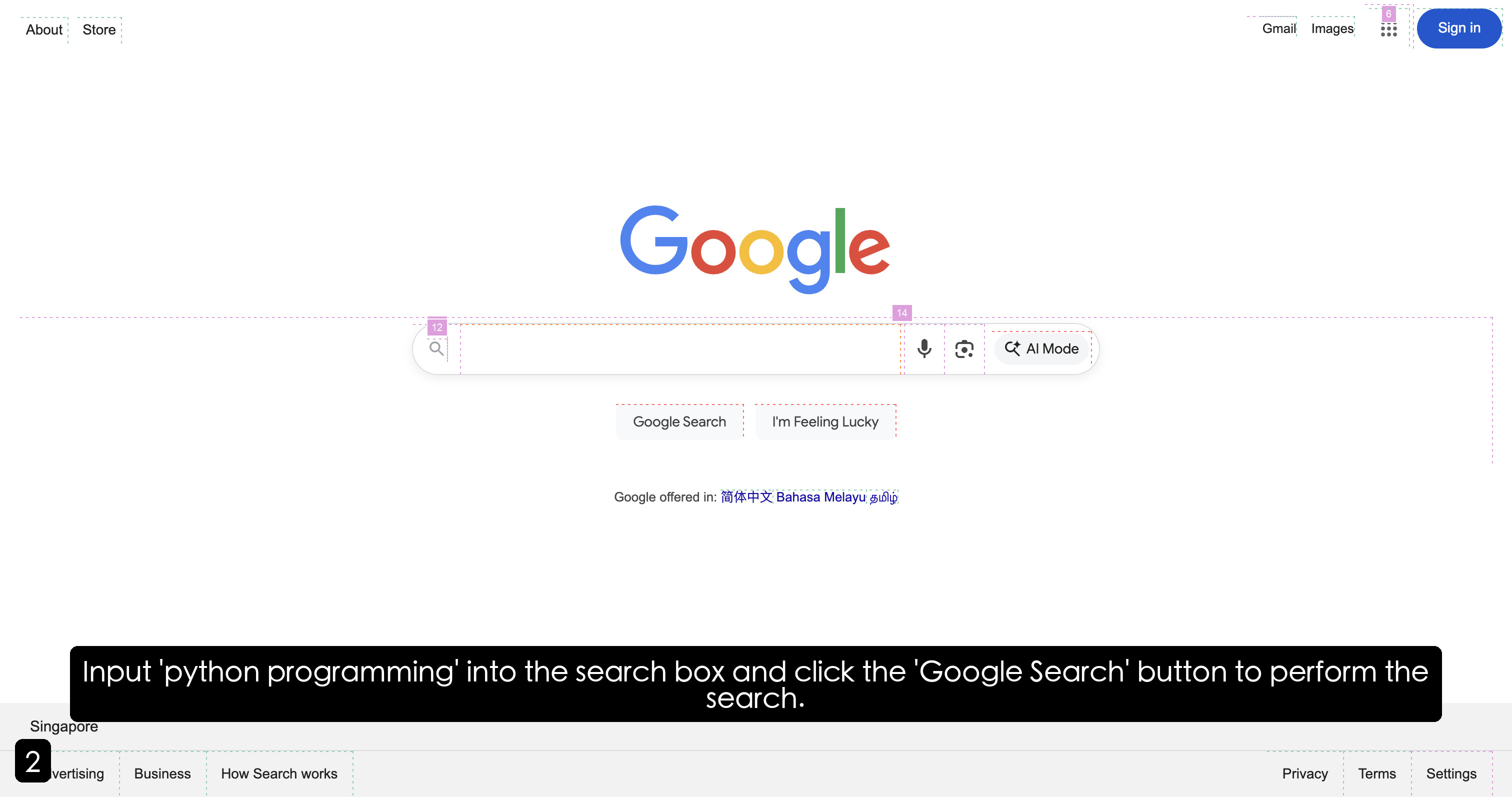
This is a screenshot of the Google search page. The page features the Google logo, a search bar, and links to other Google services. There is also a text instruction at the bottom of the screen.
### Components/Axes
* **Top Navigation:** Contains links to "About", "Store", "Gmail", "Images", and "Sign in".
* **Search Bar:** A prominent text input field with a magnifying glass icon on the left.
* **Buttons:** "Google Search" and "I'm Feeling Lucky". A microphone icon and an AI mode button are also present.
* **Footer:** Contains links to "Advertising", "Business", "How Search works", "Privacy", "Terms", and "Settings".
* **Location:** "Singapore" is displayed in the bottom-left corner.
* **Language Offerings:** "Google offered in: 简体中文 Bahasa Melayu தமிழ்" (Simplified Chinese, Malay, Tamil) is displayed below the search buttons.
* **Instruction Box:** A dark-colored box at the bottom of the screen with the text "Input 'python programming' into the search box and click the 'Google Search' button to perform the search."
### Detailed Analysis or Content Details
The screenshot shows the default Google search page layout. The search bar is centered on the page. The "Google Search" button is blue, while "I'm Feeling Lucky" is grey. The microphone icon is located to the right of the search bar. The AI mode button is also to the right of the search bar. The footer links are small and located at the very bottom of the screen. The location is set to Singapore. The language offerings indicate Google's support for multiple languages.
The instruction box provides a specific task:
* **Input:** "python programming"
* **Action:** Click the "Google Search" button.
### Key Observations
The screenshot is a clear demonstration of the Google search interface. The instruction box suggests this is part of a tutorial or guide. The presence of the AI mode button indicates Google's integration of artificial intelligence into its search functionality. The language offerings demonstrate Google's global reach.
### Interpretation
The screenshot is likely part of a tutorial or instructional material demonstrating how to use the Google search engine. The specific instruction to search for "python programming" suggests the tutorial may be related to programming or software development. The inclusion of the AI mode button highlights Google's efforts to enhance search results using artificial intelligence. The screenshot provides a snapshot of the Google search experience as it appears in Singapore, indicating localization efforts. The languages offered show Google's commitment to accessibility for a diverse user base.