## Screenshot: Google Search Page with Annotations
### Overview
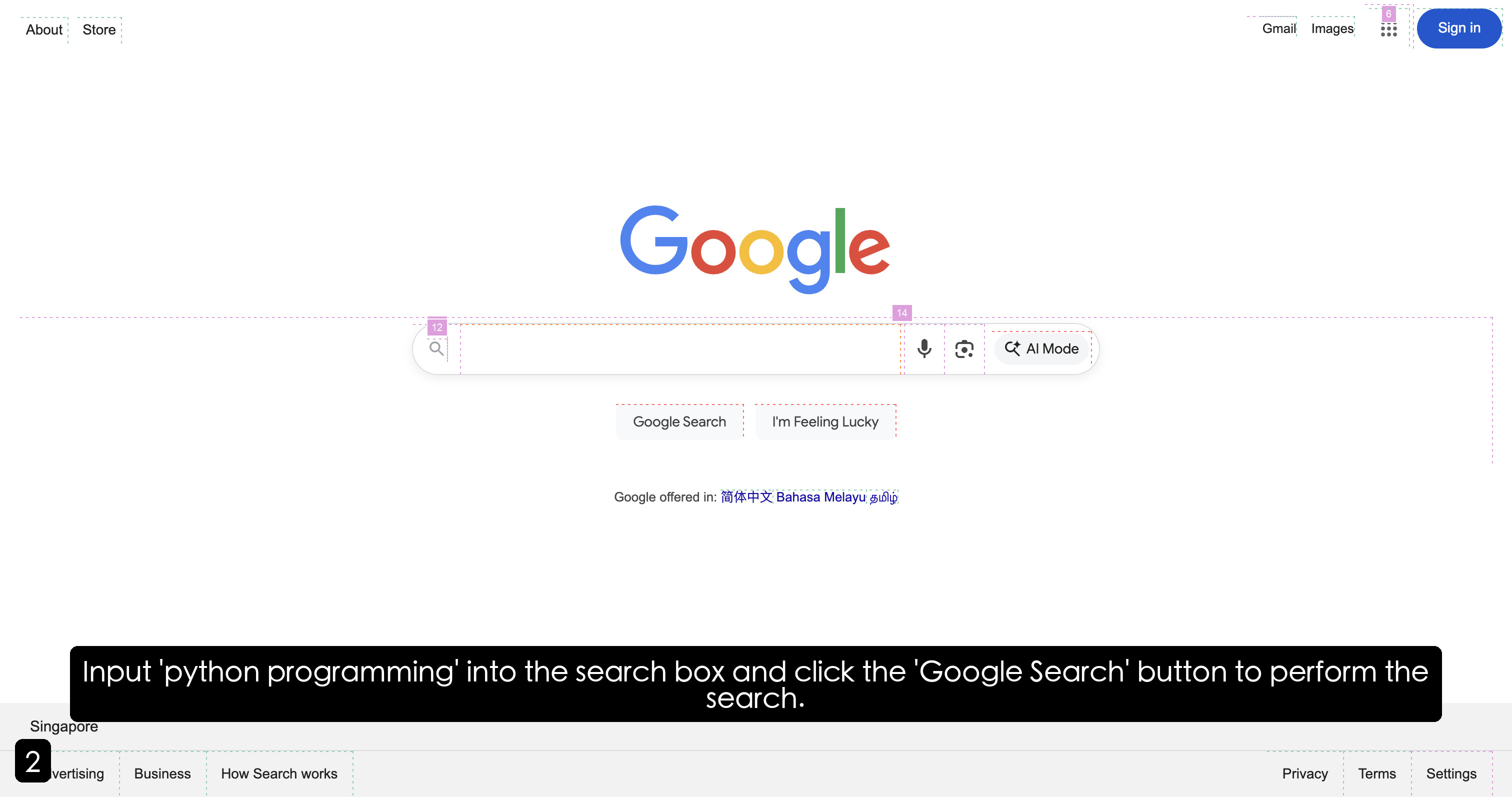
The image depicts a Google search page with annotations highlighting specific UI elements. The page features the Google logo, a search bar, navigation links, and a black banner with instructional text. Annotations include numbered labels and text overlays to guide user interaction.
---
### Components/Axes
1. **Header Section**:
- **Google Logo**: Centered at the top, with the word "Google" in its signature multicolor design (blue "G", red "o", yellow "o", blue "g", green "l", red "e").
- **Navigation Links**: Top-right corner includes links labeled "About," "Store," "Gmail," "Images," and a "Sign in" button. A grid icon (9 dots) is present for app access.
- **Annotations**:
- "About" and "Store" links are labeled with green dashed boxes.
- "Gmail" and "Images" links have purple dashed boxes.
- "Sign in" button is outlined with a purple dashed box.
- A purple dashed box surrounds the grid icon.
2. **Search Bar**:
- A horizontal oval search bar spans the center of the page.
- Contains a magnifying glass icon (search) on the left and a microphone icon on the right.
- A gray "AI Mode" button is positioned to the far right of the search bar.
- Annotations:
- A purple dashed box surrounds the search bar.
- A purple dashed box surrounds the "AI Mode" button.
- A purple dashed box surrounds the microphone icon.
- A purple dashed box surrounds the grid icon.
3. **Action Buttons**:
- Two buttons below the search bar: "Google Search" and "I'm Feeling Lucky."
- Both buttons are outlined with purple dashed boxes.
4. **Language Options**:
- Text below the buttons states: "Google offered in: 简体中文 Bahasa Melayu العربية" (Chinese, Malay, Arabic).
5. **Black Banner**:
- A horizontal black banner at the bottom of the page contains white text:
- "Input 'python programming' into the search box and click the 'Google Search' button to perform the search."
- The banner is outlined with a purple dashed box.
6. **Annotations**:
- A black square with the number "2" is positioned in the bottom-left corner.
- Purple dashed boxes highlight specific elements (e.g., search bar, buttons, navigation links).
---
### Detailed Analysis
1. **Google Logo**:
- Positioned centrally at the top of the page.
- Colors: Blue ("G"), Red ("o"), Yellow ("o"), Blue ("g"), Green ("l"), Red ("e").
2. **Search Bar**:
- Placeholder text: "Search" (not explicitly visible but implied by context).
- Icons: Magnifying glass (search), microphone (voice input), and "AI Mode" button.
3. **Navigation Links**:
- "About" and "Store" links are in the top-left corner.
- "Gmail," "Images," and grid icon are in the top-right corner.
- "Sign in" button is a blue oval with white text.
4. **Action Buttons**:
- "Google Search" and "I'm Feeling Lucky" buttons are gray with black text.
5. **Language Options**:
- Text in Chinese (简体中文), Malay (Bahasa Melayu), and Arabic (العربية) indicates localization support.
6. **Black Banner**:
- Instructional text guides users to input "python programming" and click the "Google Search" button.
---
### Key Observations
1. **Annotations**:
- Purple dashed boxes highlight critical UI elements (search bar, buttons, navigation links).
- The number "2" in the bottom-left corner suggests a step in a tutorial or sequence.
2. **Localization**:
- Google offers language options for Chinese, Malay, and Arabic users.
3. **Instructional Focus**:
- The black banner explicitly directs users to search for "python programming," indicating an educational or tutorial context.
4. **UI Design**:
- Minimalist layout with a white background, consistent with Google's branding.
- Annotations use dashed boxes to avoid cluttering the interface.
---
### Interpretation
The annotations and instructional text suggest this screenshot is part of a tutorial or guide for using Google Search. The highlighted elements (search bar, buttons, navigation links) emphasize user interaction steps. The inclusion of multiple languages reflects Google's global accessibility. The number "2" and dashed boxes imply a structured, step-by-step approach, possibly for educational purposes (e.g., teaching programming or search techniques). The absence of actual search results indicates the page is in its initial state, awaiting user input.