## Mobile App Screenshot: Initial Setup Screen
### Overview
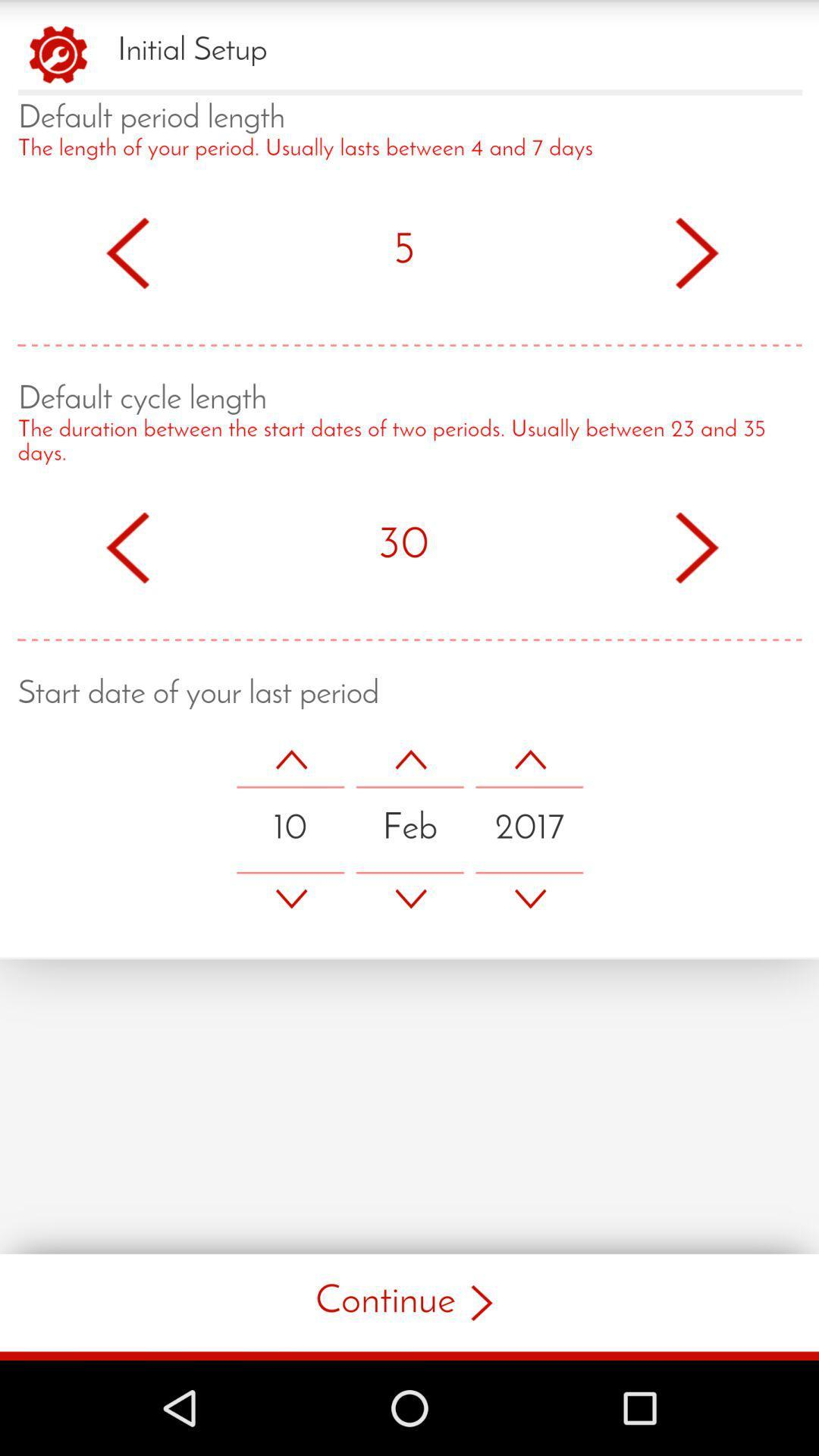
The image is a screenshot of a mobile app's "Initial Setup" screen, prompting the user to input information about their menstrual cycle. The screen includes fields for "Default period length," "Default cycle length," and "Start date of your last period." The UI elements are primarily red and white on a light background.
### Components/Axes
* **Header:** "Initial Setup" with a settings gear icon.
* **Default period length:**
* Label: "Default period length"
* Description: "The length of your period. Usually lasts between 4 and 7 days"
* Value: "5" (days) with left and right arrow buttons for adjustment.
* **Default cycle length:**
* Label: "Default cycle length"
* Description: "The duration between the start dates of two periods. Usually between 23 and 35 days."
* Value: "30" (days) with left and right arrow buttons for adjustment.
* **Start date of your last period:**
* Label: "Start date of your last period"
* Date fields: Day (10), Month (Feb), Year (2017), each with up and down arrow buttons for adjustment.
* **Footer:** "Continue >" button.
* **Navigation Bar:** Android navigation bar with triangle (back), circle (home), and square (recent apps) buttons.
### Detailed Analysis or ### Content Details
* **Default Period Length:** The default period length is set to 5 days. The description indicates a typical range of 4-7 days.
* **Default Cycle Length:** The default cycle length is set to 30 days. The description indicates a typical range of 23-35 days.
* **Start Date:** The start date is set to February 10, 2017.
### Key Observations
* The app is designed to collect data related to menstrual cycles.
* The UI is simple and intuitive, using arrow buttons for easy adjustment of values.
* Default values are provided for period and cycle length, potentially based on common averages.
### Interpretation
The screenshot shows the initial setup screen of a period tracking app. The app aims to personalize the user experience by collecting data about their individual cycle. The default values and ranges provided suggest the app is designed to be user-friendly, even for those who may not know their exact cycle details. The "Continue" button indicates that this is just the first step in the setup process, and more data may be collected on subsequent screens.