## Initial Setup
### Overview
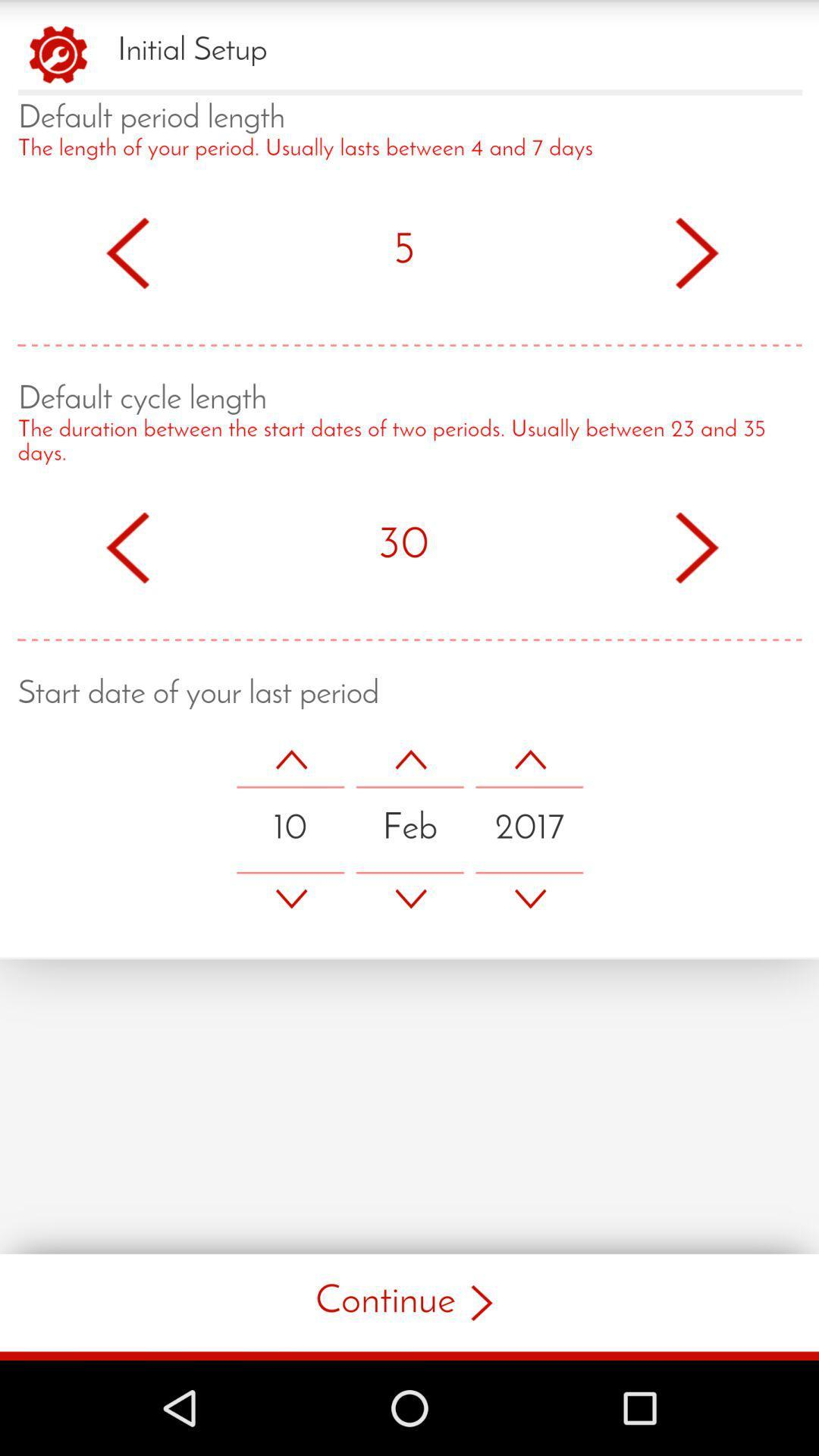
The image displays a user interface for setting up a period tracking application. The interface is divided into three main sections: Default period length, Default cycle length, and Start date of your last period.
### Components/Axes
- **Default period length**: The label is followed by a description stating that the period length usually lasts between 4 and 7 days.
- **Default cycle length**: The label is followed by a description stating that the cycle length usually lasts between 23 and 35 days.
- **Start date of your last period**: The label is followed by a date picker with arrows to adjust the date.
### Detailed Analysis or ### Content Details
- **Default period length**: The value is set to 5 days, indicated by the number 5 in the middle of the section.
- **Default cycle length**: The value is set to 30 days, indicated by the number 30 in the middle of the section.
- **Start date of your last period**: The date picker shows the date as February 10, 2017.
### Key Observations
- The default period length is set to 5 days, which is within the specified range.
- The default cycle length is set to 30 days, which is also within the specified range.
- The start date of the last period is set to February 10, 2017.
### Interpretation
The image shows a user interface for setting up a period tracking application. The user has set the default period length to 5 days and the default cycle length to 30 days. The start date of the last period is set to February 10, 2017. The interface is designed to be user-friendly, with clear labels and easy-to-use date picker. The user can adjust the values as needed to fit their specific needs. The interpretation of the data suggests that the user is in the process of setting up the application and has provided the necessary information to start tracking their period.