## Screenshot: Menstrual Cycle Tracking App Initial Setup
### Overview
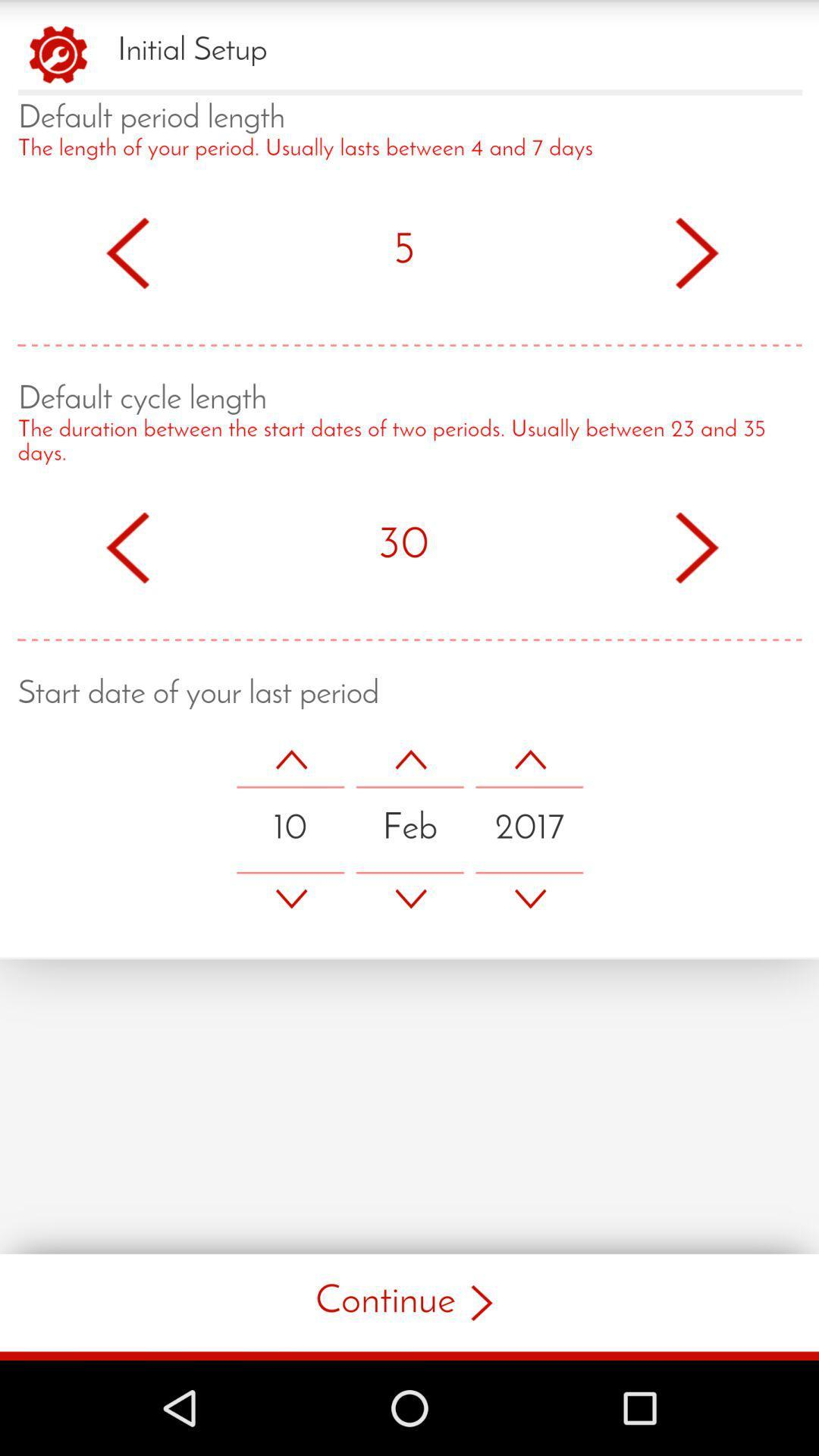
The image shows a mobile application's initial setup screen for configuring menstrual cycle tracking parameters. The interface includes three configurable settings with numerical inputs and a date selector, followed by a "Continue" button.
### Components/Axes
1. **Header**
- Title: "Initial Setup"
- Icon: Red gear symbol (top-left corner)
2. **Sections**
- **Default Period Length**
- Label: "The length of your period. Usually lasts between 4 and 7 days"
- Input: Number "5" with left/right arrows for adjustment
- Separator: Red dotted line
- **Default Cycle Length**
- Label: "The duration between the start dates of two periods. Usually between 23 and 35 days"
- Input: Number "30" with left/right arrows for adjustment
- Separator: Red dotted line
- **Start Date of Last Period**
- Label: "Start date of your last period"
- Date Picker: "10 Feb 2017" with up/down arrows for month/year adjustment
- Separator: Red dotted line
3. **Footer**
- Button: "Continue" (red text with right arrow)
- Android Navigation Bar: Back triangle, home circle, and recent apps square (black background)
### Detailed Analysis
- **Default Period Length**:
- Label text explains the parameter's purpose.
- Input value: 5 days (within the stated 4-7 day range).
- Arrows allow incremental adjustment.
- **Default Cycle Length**:
- Label text defines the parameter as the interval between period starts.
- Input value: 30 days (within the stated 23-35 day range).
- Arrows enable value modification.
- **Start Date of Last Period**:
- Date displayed as "10 Feb 2017" (day-month-year format).
- Arrows suggest month/year adjustment capability (no day adjustment arrows visible).
### Key Observations
1. All numerical inputs use red arrows for consistency.
2. Date format follows day-month-year convention (common in many regions).
3. Default values align with medical averages for menstrual cycles.
4. No validation messages or error states are visible.
5. The "Continue" button is the only interactive element below the configuration fields.
### Interpretation
This setup screen establishes foundational parameters for period tracking:
- The default values (5-day period, 30-day cycle) reflect typical medical norms.
- The start date input suggests the app will calculate future period predictions based on these parameters.
- The absence of validation rules implies users can input any values, though the app likely validates internally.
- The date selector's lack of day adjustment arrows may indicate the app prioritizes month/year precision for cycle calculations.
- The "Continue" button's placement suggests this is a multi-step setup process.
The interface prioritizes simplicity, using minimal text and clear visual hierarchy to guide users through essential configuration steps for menstrual cycle tracking.