## Screenshot: Google Search Results for "python programming"
### Overview
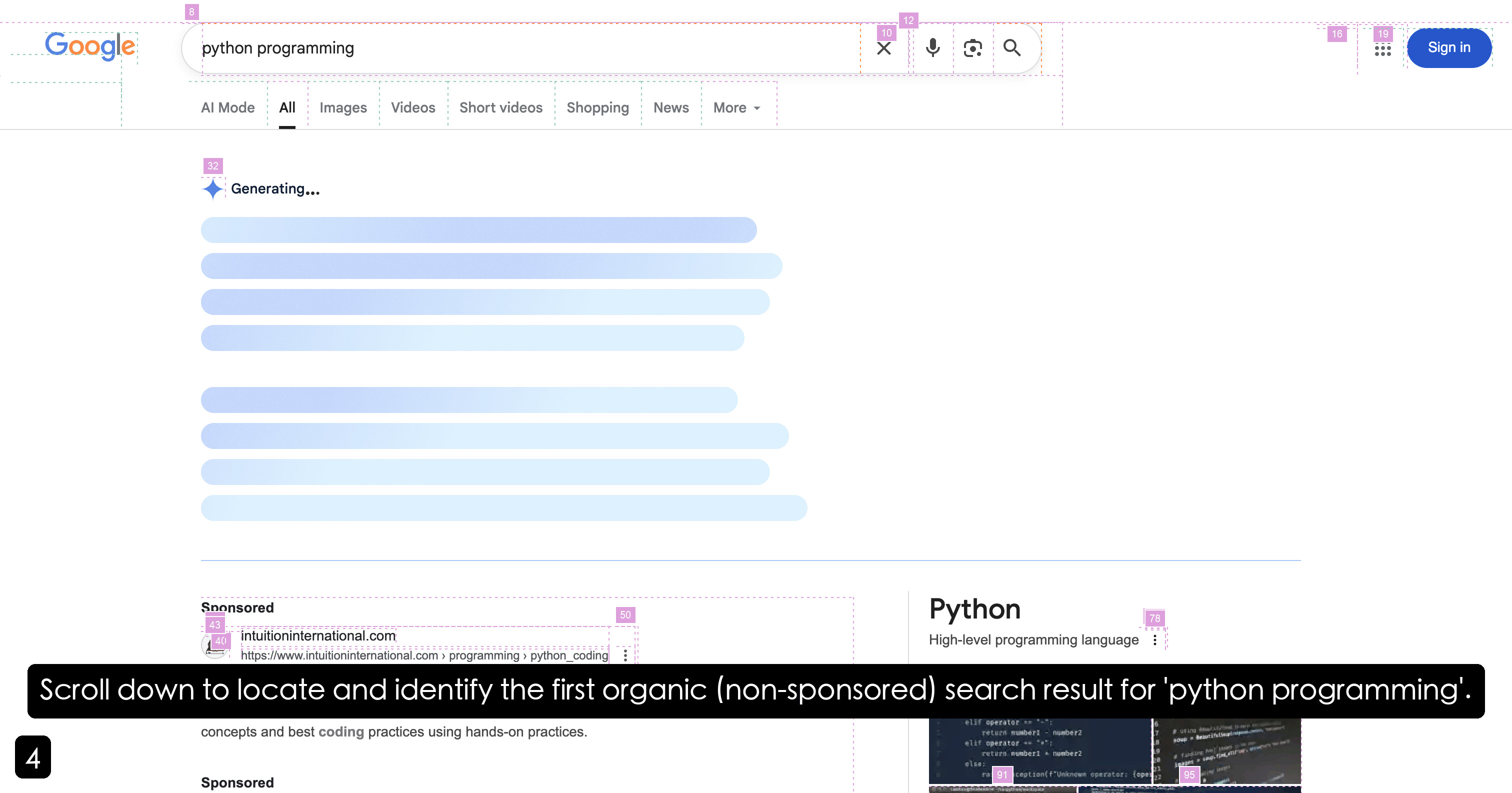
The image shows a Google search results page for the query "python programming." The interface includes standard Google UI elements, search result categories, sponsored advertisements, and organic search results. A black banner at the bottom instructs users to scroll down to locate the first organic (non-sponsored) result.
### Components/Axes
1. **Header Elements**:
- **Google Logo**: Top-left corner.
- **Search Bar**: Contains the query "python programming" with icons for clearing the query (X), voice search (microphone), image search (camera), and the search button (magnifying glass).
- **Top-Right Icons**: A grid of nine dots (Google Apps menu) and a blue "Sign in" button.
2. **Search Result Categories**:
- Tabs below the search bar: "All," "Images," "Videos," "Short videos," "Shopping," "News," and "More" (with a dropdown arrow).
3. **Search Results Section**:
- **Sponsored Results**:
- **Intuition International**: URL `https://www.intuitioninternational.com` with a snippet about Python programming concepts and coding practices.
- **Organic Results**:
- **Python (High-level programming language)**: Partial snippet visible, including code examples (e.g., `elif operator`, `return number1`).
4. **Annotations**:
- Purple squares with numbers (e.g., 8, 10, 12, 16, 19) in the top-right corner, likely for testing or debugging purposes.
5. **Footer Banner**:
- Black banner with white text: "Scroll down to locate and identify the first organic (non-sponsored) search result for 'python programming'." A black square with the number "4" is positioned at the bottom-left.
### Detailed Analysis
- **Sponsored Result**:
- **URL**: `https://www.intuitioninternational.com`.
- **Snippet**: Mentions "concepts and best coding practices using hands-on practices."
- **Position**: Left-aligned, below the search result categories.
- **Organic Result**:
- **Title**: "Python" with subtitle "High-level programming language."
- **Snippet**: Partial code examples visible (e.g., `elif operator`, `return number1`).
- **Position**: Right-aligned, adjacent to the sponsored result.
- **Annotations**:
- Numbers in purple squares (8, 10, 12, 16, 19) are spatially clustered in the top-right corner, suggesting they may correspond to UI elements or test markers.
### Key Observations
1. The search results prioritize sponsored content (Intuition International) above organic results.
2. The organic result for "Python" is partially visible, with code snippets indicating technical content.
3. The footer banner explicitly directs users to scroll past sponsored results to find the first organic result, implying a structured layout typical of Google's search results.
### Interpretation
The image demonstrates a standard Google search results page, emphasizing the prominence of sponsored content in search rankings. The presence of code snippets in the organic result suggests that the query is technical in nature, targeting developers or learners. The annotations (numbers) likely serve as markers for testing or analysis, possibly indicating elements of interest in a user interface study. The footer banner’s directive highlights the importance of distinguishing between sponsored and organic results, a common challenge in search engine optimization (SEO) and user experience design.