## Screenshot: Post-Experiment Feedback Form
### Overview
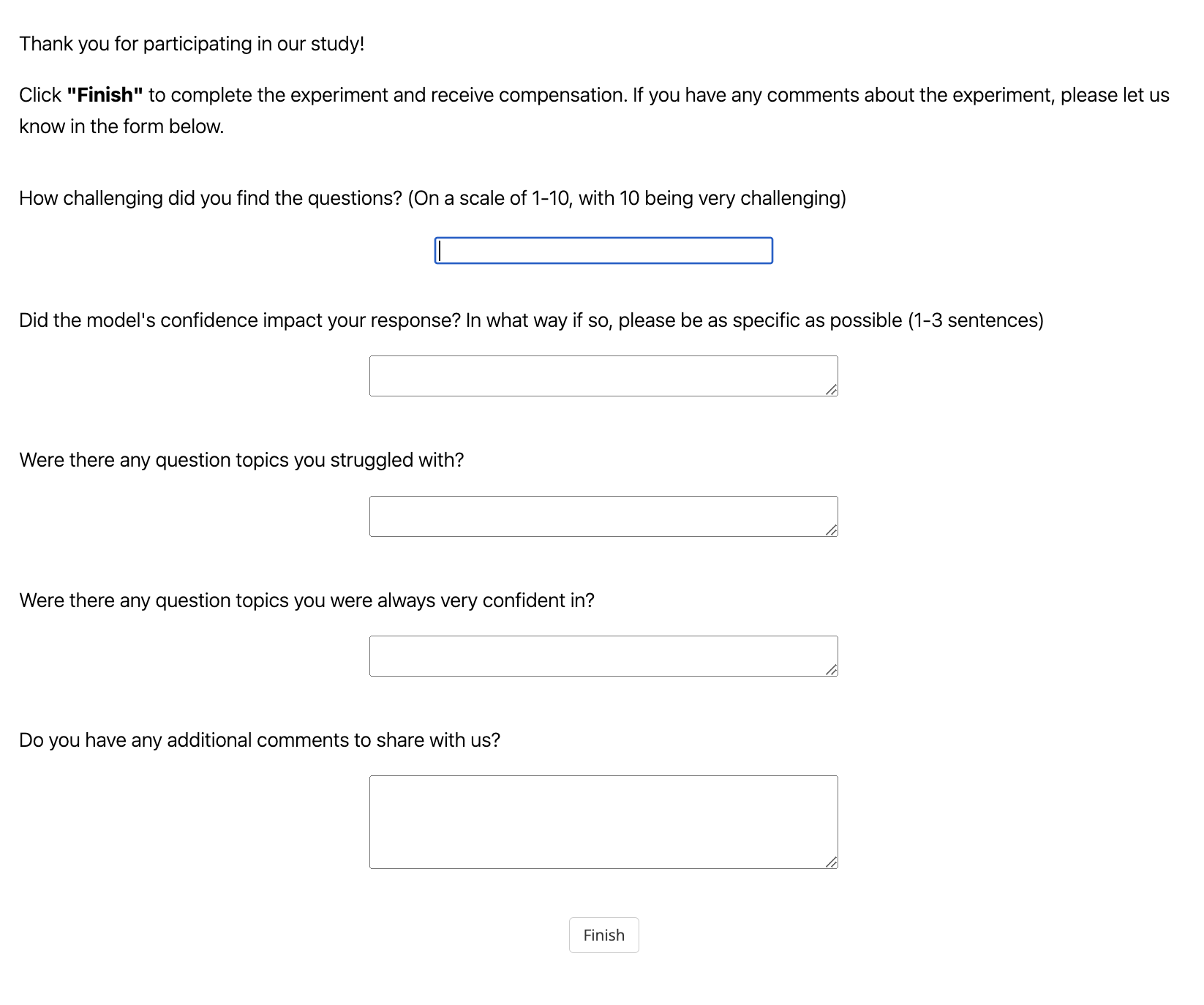
The image is a screenshot of a simple, clean web form presented to a participant after completing a research study or experiment. The form's purpose is to collect feedback on the participant's experience, specifically regarding the difficulty of questions, the impact of a model's confidence, and areas of struggle or confidence. The interface is minimal, with a white background and black text.
### Components/Axes
The form consists of the following elements, listed in order from top to bottom:
1. **Header Text:**
* "Thank you for participating in our study!"
* "Click **"Finish"** to complete the experiment and receive compensation. If you have any comments about the experiment, please let us know in the form below."
2. **Feedback Questions & Input Fields:**
* **Question 1:** "How challenging did you find the questions? (On a scale of 1-10, with 10 being very challenging)"
* **Input Field:** A single-line text input box. It is currently focused, indicated by a blue border.
* **Question 2:** "Did the model's confidence impact your response? In what way if so, please be as specific as possible (1-3 sentences)"
* **Input Field:** A multi-line text area (textarea).
* **Question 3:** "Were there any question topics you struggled with?"
* **Input Field:** A multi-line text area (textarea).
* **Question 4:** "Were there any question topics you were always very confident in?"
* **Input Field:** A multi-line text area (textarea).
* **Question 5:** "Do you have any additional comments to share with us?"
* **Input Field:** A multi-line text area (textarea).
3. **Action Button:**
* A button labeled "Finish", centered at the bottom of the form.
### Detailed Analysis
* **Text Transcription:** All text is in English. The complete transcription is provided in the Components section above.
* **UI Element Details:**
* The first input field is a standard `<input type="text">` element.
* The subsequent four input fields are `<textarea>` elements, designed for multi-line responses. Each has a small, diagonal resize handle in the bottom-right corner.
* The "Finish" button is a standard HTML button element.
* **Layout & Spatial Grounding:** The form uses a left-aligned layout for the question labels. The input fields are centered horizontally beneath their respective questions. The "Finish" button is centered at the very bottom of the visible form area. There is generous vertical spacing between each question-and-answer pair.
### Key Observations
* The form is designed to gather both quantitative (scale 1-10) and qualitative (open-ended text) feedback.
* The questions are specifically tailored to an experiment involving an AI or computational "model," as indicated by the question about "the model's confidence."
* The instruction mentions "compensation," suggesting this is part of a paid research study, likely in a field like Human-Computer Interaction (HCI), AI evaluation, or psychology.
* The interface is utilitarian and focuses solely on data collection, with no decorative elements.
### Interpretation
This feedback form is a critical tool for researchers to understand the participant's subjective experience. It moves beyond simple task performance metrics to capture:
1. **Perceived Difficulty:** The 1-10 scale quantifies the overall challenge level.
2. **Model Influence:** The question about the model's confidence probes whether the AI's presented certainty (a key aspect of explainable AI) affected human decision-making, which is a significant topic in AI alignment and trust research.
3. **Knowledge Gaps & Strengths:** Questions about struggled and confident topics help identify specific areas where the experimental material or the AI model may be confusing, misleading, or particularly effective.
4. **Open Feedback:** The final comment box allows for unexpected insights or technical issues to be reported.
The form's structure suggests the experiment likely involved participants answering questions with the assistance or oversight of an AI model that communicated its confidence level. The collected data would be used to refine the model, adjust the experiment's difficulty, or publish findings on human-AI collaboration.