## Screenshot: Survey Form for Experiment Feedback
### Overview
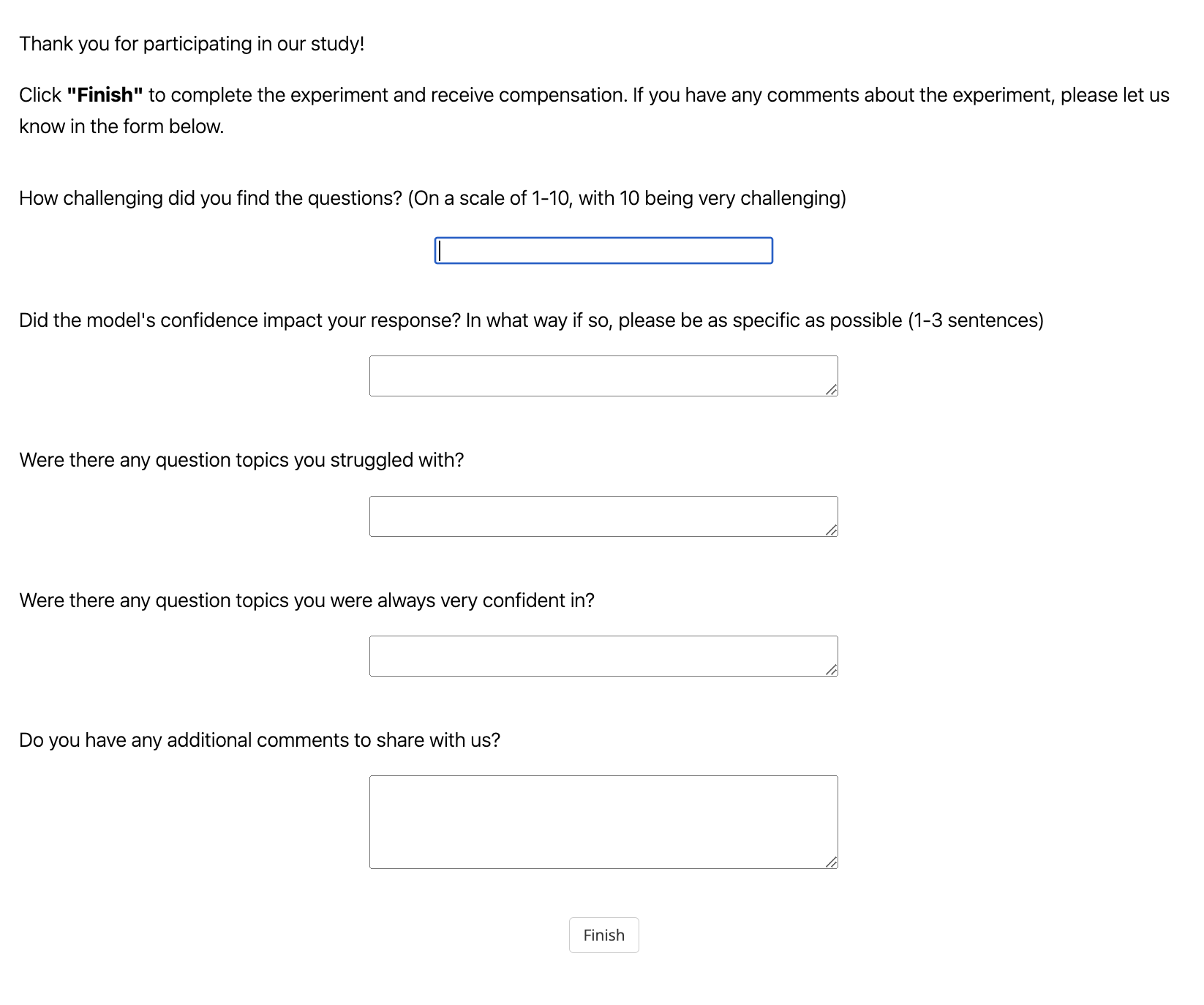
The image is a screenshot of a survey form designed to collect participant feedback after completing an experiment. The form includes instructions, structured questions, and open-ended response fields. A "Finish" button is present at the bottom to submit responses.
### Components/Axes
- **Header Text**:
- "Thank you for participating in our study!"
- "Click 'Finish' to complete the experiment and receive compensation. If you have any comments about the experiment, please let us know in the form below."
- **Questions**:
1. **Difficulty Rating**:
- Label: "How challenging did you find the questions? (On a scale of 1-10, with 10 being very challenging)"
- Input: A dropdown menu (blue border, empty).
2. **Model Confidence Impact**:
- Label: "Did the model's confidence impact your response? In what way if so, please be as specific as possible (1-3 sentences)"
- Input: A text field (empty).
3. **Struggled Topics**:
- Label: "Were there any question topics you struggled with?"
- Input: A text field (empty).
4. **Confident Topics**:
- Label: "Were there any question topics you were always very confident in?"
- Input: A text field (empty).
5. **Additional Comments**:
- Label: "Do you have any additional comments to share with us?"
- Input: A larger text area (empty).
- **Footer**:
- "Finish" button (gray background, black text).
### Detailed Analysis
- **Textual Content**: All text is in English, with no non-English elements.
- **Input Fields**:
- The difficulty rating uses a 1-10 scale, suggesting quantitative feedback.
- The model confidence question requires concise, specific responses (1-3 sentences).
- Struggled and confident topics fields are open-ended, allowing qualitative input.
- The additional comments field is the largest, accommodating extended feedback.
- **Layout**:
- Questions are vertically stacked with consistent spacing.
- Input fields are aligned to the right of their labels.
- The "Finish" button is centered at the bottom.
### Key Observations
- The form prioritizes structured feedback (e.g., difficulty scale) while allowing open-ended responses for nuanced insights.
- The model confidence question implies the experiment involved an AI or automated system whose confidence levels were visible to participants.
- The "Finish" button’s placement ensures users cannot proceed without submitting feedback.
### Interpretation
This survey form is designed to evaluate participant experience and gather actionable insights for improving the experiment. The combination of quantitative (difficulty rating) and qualitative (open-ended questions) data allows researchers to:
1. Quantify overall challenge levels.
2. Identify specific areas of confusion or strength.
3. Understand how the model’s behavior (confidence) influenced responses.
4. Capture unanticipated feedback through the comments section.
The form’s structure balances brevity with depth, ensuring participants can provide both quick ratings and detailed explanations. The emphasis on model confidence suggests the experiment may involve human-AI interaction, where the model’s perceived reliability could bias participant responses.