## Screenshot: Study Tips Document
### Overview
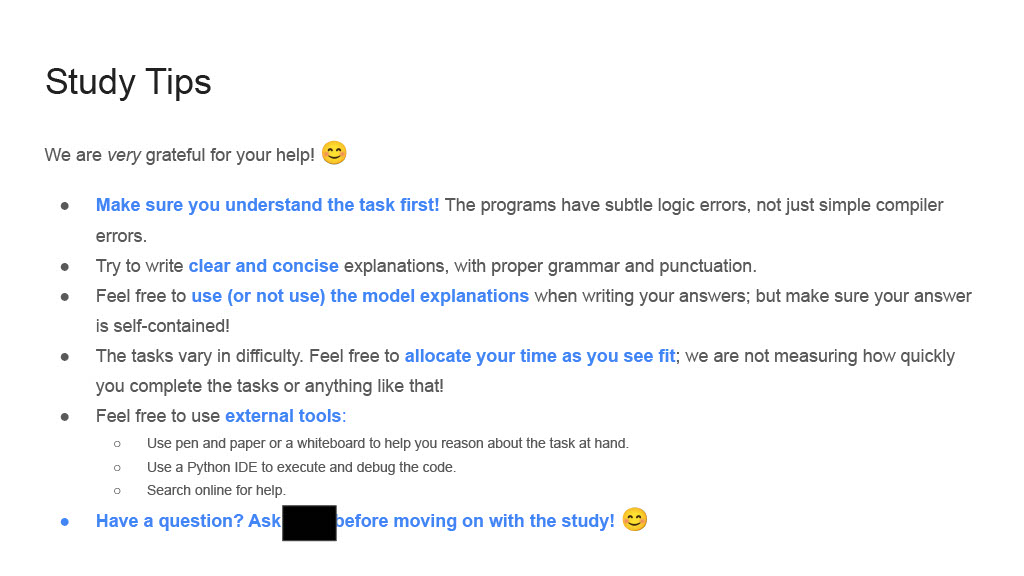
The image is a screenshot of a text-based document titled "Study Tips," providing guidance for task completion. It includes a gratitude message, bullet-pointed advice, and a closing note. Key elements are emphasized in blue text, likely indicating hyperlinks or important notes.
### Components/Axes
- **Title**: "Study Tips" (bold, top-left)
- **Introductory Message**: "We are very grateful for your help! 😊" (black text, below title)
- **Bullet Points**: Five main tips with sub-points (black and blue text)
- **Closing Note**: "Have a question? Ask [REDACTED] before moving on with the study! 😊" (blue text, bottom)
### Detailed Analysis
#### Main Bullet Points
1. **Understand the Task First**
- Programs contain subtle logic errors, not just compiler errors.
- *Blue text*: "Make sure you understand the task first!"
2. **Clear Explanations**
- Use proper grammar and punctuation.
- *Blue text*: "Try to write clear and concise explanations..."
3. **Model Explanations**
- Use or omit model explanations, but ensure answers are self-contained.
- *Blue text*: "Feel free to use (or not use) the model explanations..."
4. **Time Allocation**
- Tasks vary in difficulty; allocate time as needed.
- *Blue text*: "The tasks vary in difficulty. Feel free to allocate your time..."
5. **External Tools**
- Use pen/paper, whiteboards, Python IDEs, or online searches.
- Sub-points:
- "Use pen and paper or a whiteboard..."
- "Use a Python IDE to execute and debug..."
- "Search online for help."
- *Blue text*: "Feel free to use external tools:"
#### Closing Note
- *Blue text*: "Have a question? Ask [REDACTED] before moving on with the study! 😊"
### Key Observations
- **Emphasis on Clarity**: Blue text highlights critical instructions (e.g., understanding tasks, using tools).
- **Emojis**: Two smiley faces (😊) add a friendly tone.
- **Redaction**: A black rectangle obscures a name/URL in the closing note.
- **Structure**: Hierarchical bullet points with sub-points for detailed guidance.
### Interpretation
The document prioritizes **task comprehension** and **methodical problem-solving**. It acknowledges the complexity of programming tasks (subtle logic errors) and encourages adaptability (time allocation, tool usage). The redaction suggests sensitive information (e.g., a contact name or URL) was intentionally hidden. The use of emojis and blue text creates a user-friendly, approachable tone, likely aimed at learners or collaborators needing structured guidance.