## Text Block: Instructional Prompt
### Overview
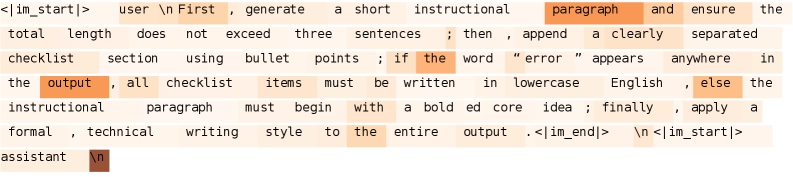
The image contains a text block representing an instructional prompt given to an AI assistant. The prompt outlines specific requirements for generating a response, including length constraints, formatting guidelines (checklist), and conditional styling based on the presence of the word "error."
### Components/Axes
The text is presented as a series of instructions. There are no axes or scales.
### Detailed Analysis or ### Content Details
The text of the prompt is as follows:
`<|im_start|>` user \n First, generate a short instructional paragraph and ensure the total length does not exceed three sentences; then, append a clearly separated checklist section using bullet points; if the word "error" appears anywhere in the output, all checklist items must be written in lowercase English, else the instructional paragraph must begin with a bold ed core idea; finally, apply a formal, technical writing style to the entire output. `<|im_end|>` \n `<|im_start|>` assistant \n
### Key Observations
- The prompt specifies a combination of paragraph generation and checklist creation.
- The styling of the checklist items (lowercase vs. default) is conditional based on the presence of the word "error".
- The instructional paragraph has a conditional styling requirement (bolded core idea).
- The overall tone is formal and technical.
- There are special tokens `<|im_start|>` and `<|im_end|>` which likely denote the start and end of the user's instruction.
### Interpretation
The prompt is designed to guide an AI assistant in generating a structured and styled response. The conditional formatting adds complexity, requiring the assistant to analyze its own output before applying the final styling. The use of special tokens suggests this is part of a larger system for managing AI interactions.