## Screenshot: Training Portal Interface
### Overview
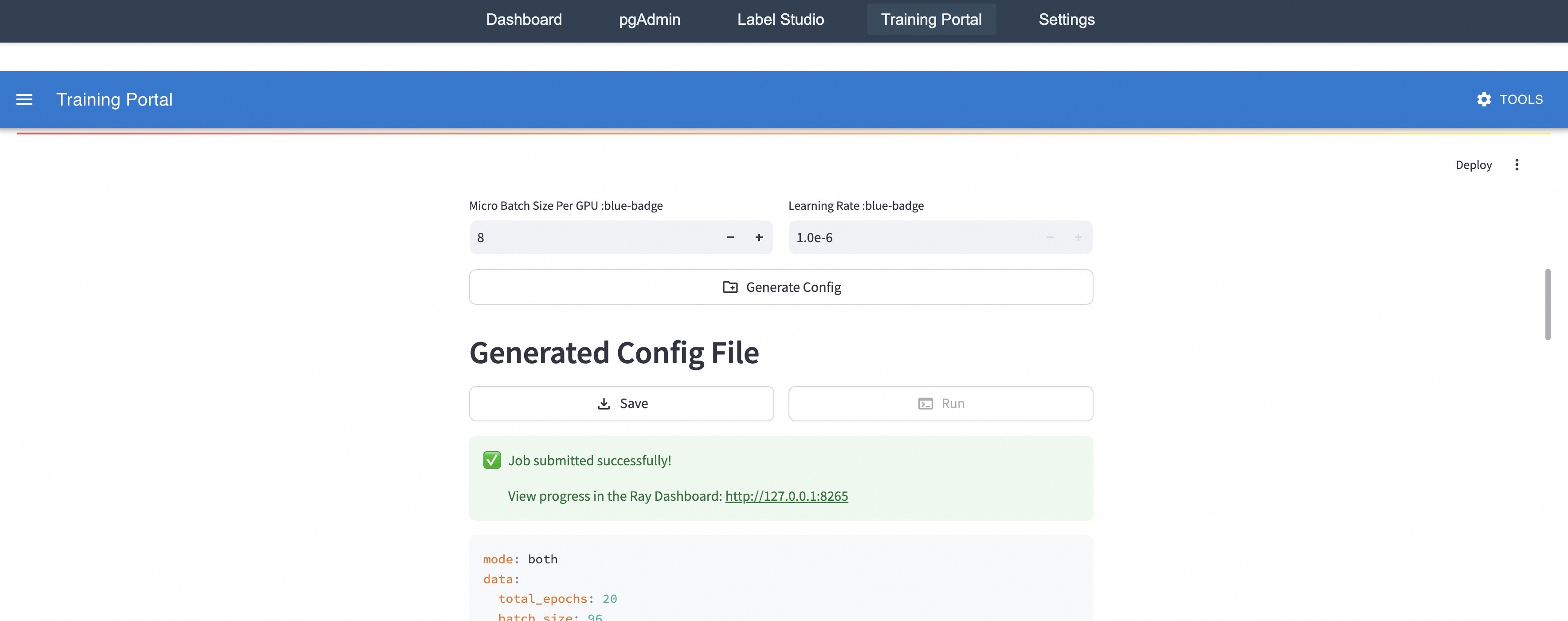
The image depicts a web-based training portal interface with a dark-themed navigation bar, configuration settings, and a generated configuration file display. The interface includes input fields for hyperparameters, a job submission status, and a link to a Ray Dashboard for progress tracking.
### Components/Axes
1. **Navigation Bar (Top)**
- Tabs: Dashboard, pgAdmin, Label Studio, Training Portal (highlighted), Settings
- "Training Portal" tab is active, indicated by a blue banner below it
- Blue banner contains:
- Hamburger menu icon (☰)
- "Training Portal" text
- Gear icon labeled "TOOLS"
- "Deploy" button with three-dot menu
2. **Configuration Settings**
- **Micro Batch Size Per GPU**:
- Label: "Micro Batch Size Per GPU :blue-badge"
- Input field: `8` (with +/- adjustment controls)
- **Learning Rate**:
- Label: "Learning Rate :blue-badge"
- Input field: `1.0e-6` (with +/- adjustment controls)
- **Generate Config Button**:
- Icon: Folder with plus sign (+)
- Text: "Generate Config"
3. **Generated Config File**
- Header: "Generated Config File"
- Actions:
- "Save" button (with download icon)
- "Run" button (with play icon)
- Status Notification:
- Green banner with checkmark: "Job submitted successfully!"
- Link: "View progress in the Ray Dashboard: http://127.0.0.1:8265"
- Config Details:
- `mode: both`
- `data:`
- `total_epochs: 20` (orange text)
- `batch_size: 96` (orange text)
### Key Observations
- The "Training Portal" tab is emphasized through highlighting and a dedicated blue banner
- Hyperparameter values are explicitly set (batch size = 8, learning rate = 1e-6)
- The generated config file includes both training modes and specific data parameters
- A direct link to the Ray Dashboard is provided for real-time monitoring
- The interface uses color coding (blue badges, green success notification) for visual hierarchy
### Interpretation
This interface appears to be a machine learning training configuration tool. The presence of both batch size and learning rate parameters suggests it's used for neural network training. The generated config file indicates the system is designed for reproducibility, with explicit parameter values and a direct link to monitoring tools. The "Deploy" button implies this interface connects to a production environment, while the Ray Dashboard link suggests integration with a distributed computing framework for tracking training progress. The use of scientific notation for the learning rate (1.0e-6) indicates precision requirements typical in deep learning applications.