## Virtual Meeting Room
### Overview
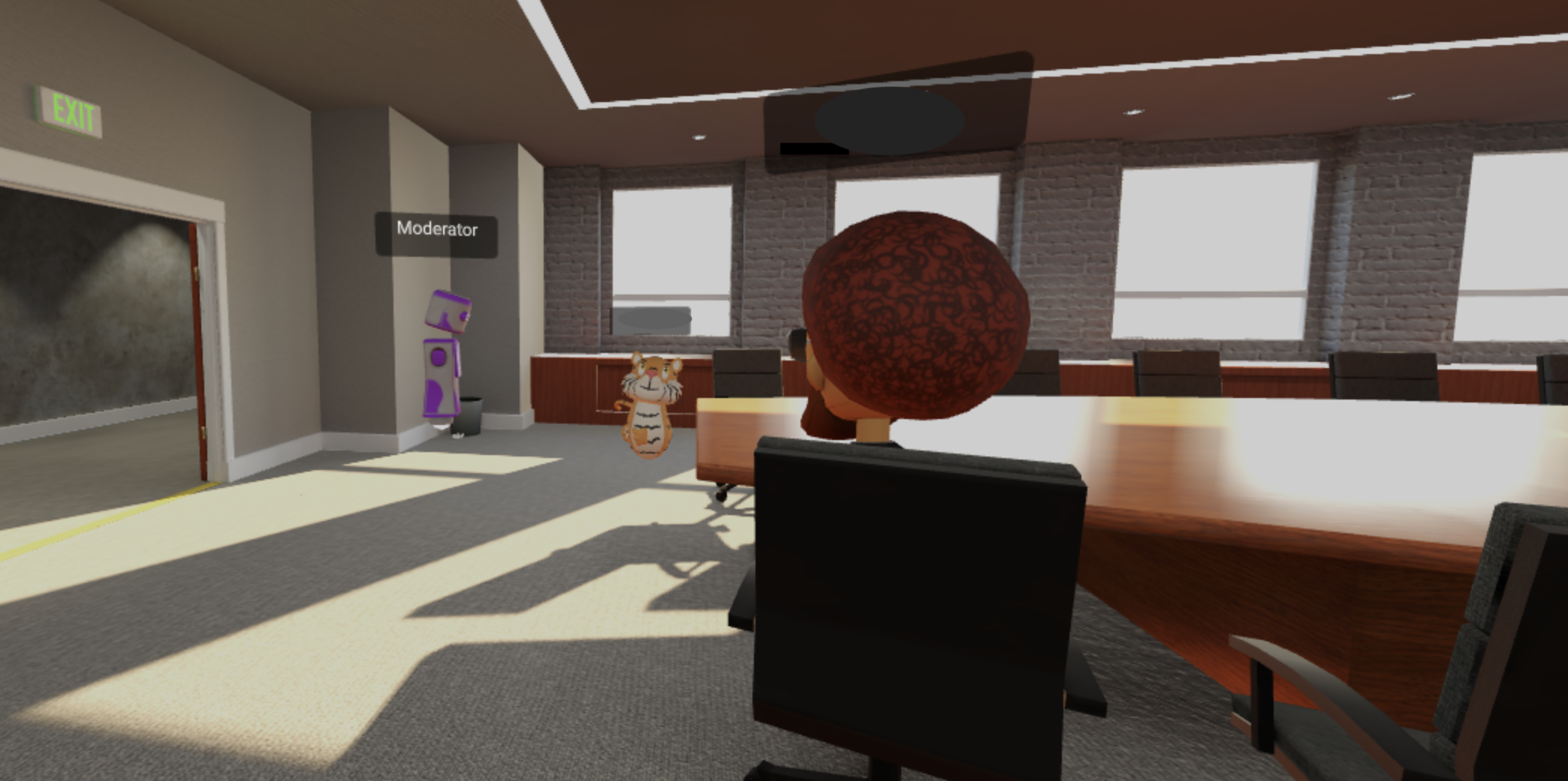
The image depicts a virtual meeting room environment. The room contains a long conference table with chairs, windows, and virtual avatars representing participants. There is also a virtual moderator present.
### Components/Axes
* **Room Elements:**
* Conference table: A long, wooden conference table occupies the center of the room.
* Chairs: Multiple chairs are arranged around the conference table.
* Windows: Several windows are visible along one wall, providing natural light.
* Walls: The walls are a light gray color, with brick texture visible near the windows.
* Floor: The floor is carpeted in a gray color.
* Ceiling: The ceiling is white with recessed lighting.
* Exit Sign: A green "EXIT" sign is visible above a doorway.
* **Virtual Avatars:**
* Moderator: A blocky, purple and white avatar labeled "Moderator" is standing near a wall.
* Tiger Avatar: A tiger avatar is present in the room.
* Participant Avatar: An avatar with brown curly hair is seated at the table.
* **Text Labels:**
* "EXIT" (above the door)
* "Moderator" (above the blocky avatar)
### Detailed Analysis or ### Content Details
* **Room Layout:** The conference table dominates the room, with chairs positioned around it. The windows provide a view of the outside. The "EXIT" sign indicates an exit point from the room.
* **Avatar Placement:** The moderator avatar is positioned near the wall, while the tiger avatar is standing near the table. The participant avatar is seated at the table.
* **Lighting:** The room is well-lit, with natural light coming through the windows and artificial light from the ceiling fixtures.
### Key Observations
* The image represents a virtual meeting environment, with avatars representing participants.
* The room is designed to simulate a real-world conference room.
* The presence of a moderator avatar suggests that the meeting is being facilitated.
### Interpretation
The image suggests a virtual meeting or collaboration session taking place in a simulated environment. The presence of avatars allows participants to interact with each other in a virtual space. The room layout and design elements contribute to creating a realistic and immersive experience. The moderator avatar indicates that the meeting is being guided or managed by a facilitator. The tiger avatar adds a whimsical element to the virtual environment.