## Form: Knowledge Check
### Overview
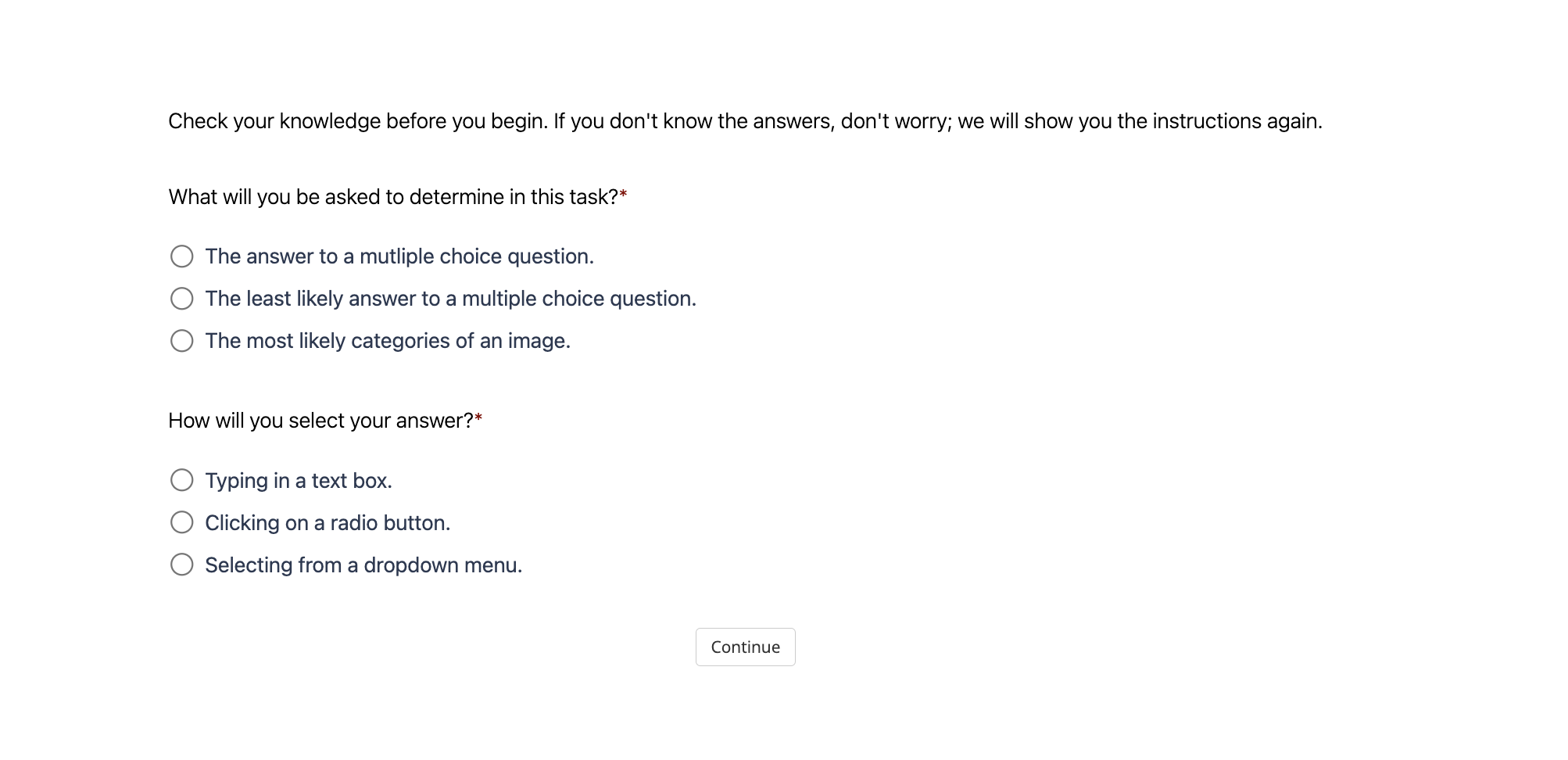
The image is a screenshot of a form, likely part of an online assessment or tutorial. It presents two questions to the user, each with a set of radio button options. The form aims to gauge the user's understanding of the task at hand before proceeding.
### Components/Axes
* **Header Text:** "Check your knowledge before you begin. If you don't know the answers, don't worry; we will show you the instructions again."
* **Question 1:** "What will you be asked to determine in this task?*"
* **Options:**
* "The answer to a mutliple choice question."
* "The least likely answer to a multiple choice question."
* "The most likely categories of an image."
* **Question 2:** "How will you select your answer?*"
* **Options:**
* "Typing in a text box."
* "Clicking on a radio button."
* "Selecting from a dropdown menu."
* **Button:** "Continue" (located at the bottom center of the form)
### Detailed Analysis or ### Content Details
The form consists of two multiple-choice questions. Each question has three options presented as radio buttons. The first question focuses on the type of task the user will be performing, while the second question asks about the method of selecting an answer. A "Continue" button is present at the bottom to proceed after answering the questions.
### Key Observations
* The questions are designed to assess the user's understanding of the task's objectives and interaction methods.
* The asterisk (*) next to each question indicates that they might be required fields.
* The header text provides reassurance to the user, indicating that help will be provided if they are unsure of the answers.
### Interpretation
The form serves as a preliminary knowledge check before the user engages with the main task. It aims to ensure that the user understands the task's goals and how to interact with the interface. The "Continue" button suggests that this form is part of a larger interactive process. The questions are designed to be straightforward and assess basic comprehension.