## Dashboard: Label Studio Home
### Overview
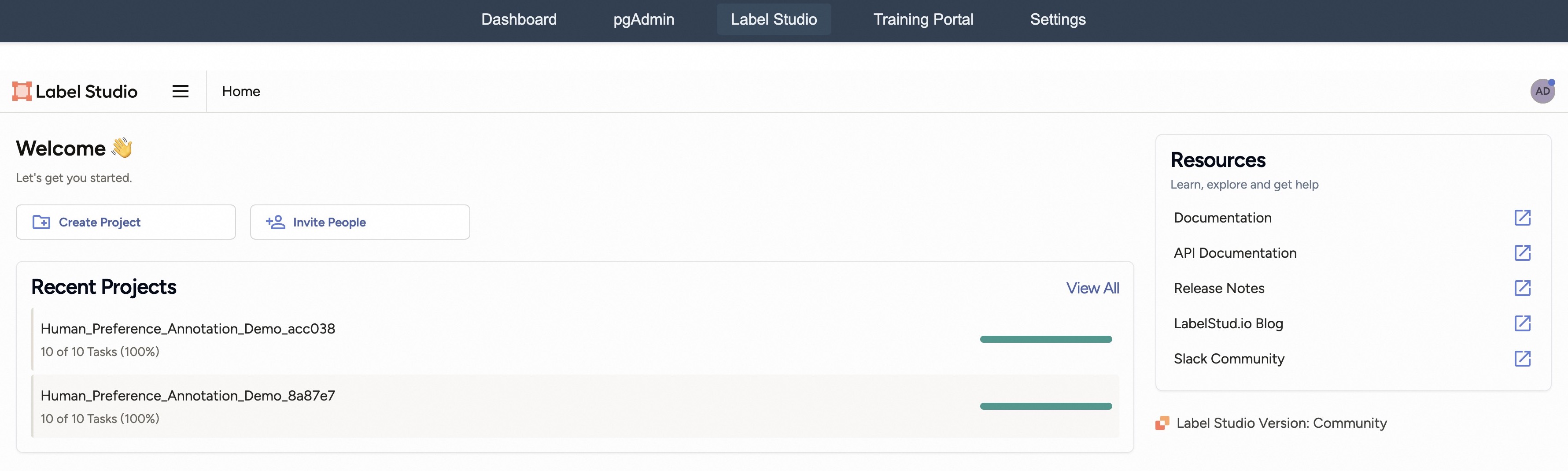
The image is a screenshot of the Label Studio home dashboard. It displays a welcome message, options to create a project or invite people, a list of recent projects with their completion status, and a resources section with links to documentation, API, release notes, blog, and community.
### Components/Axes
* **Header:** Contains navigation links: Dashboard, pgAdmin, Label Studio (active), Training Portal, Settings.
* **Main Content Area:**
* "Label Studio" logo and "Home" link on the top-left.
* "Welcome" message with a waving hand emoji.
* "Let's get you started." subtitle.
* Two buttons: "+ Create Project" and "+ Invite People".
* "Recent Projects" section with a "View All" link.
* List of recent projects:
* Human\_Preference\_Annotation\_Demo\_acc038: 10 of 10 Tasks (100%)
* Human\_Preference\_Annotation\_Demo\_8a87e7: 10 of 10 Tasks (100%)
* Progress bars next to each project, indicating completion.
* **Right Sidebar:**
* "Resources" section with "Learn, explore and get help" subtitle.
* List of resources:
* Documentation
* API Documentation
* Release Notes
* LabelStud.io Blog
* Slack Community
* Label Studio Version: Community
### Detailed Analysis or ### Content Details
* **Recent Projects:**
* Project 1: Human\_Preference\_Annotation\_Demo\_acc038 is 100% complete (10 of 10 tasks).
* Project 2: Human\_Preference\_Annotation\_Demo\_8a87e7 is 100% complete (10 of 10 tasks).
* The progress bars next to each project are solid green, visually confirming 100% completion.
* **Resources:**
* Each resource link (Documentation, API Documentation, Release Notes, LabelStud.io Blog, Slack Community) has an external link icon next to it.
* **Top Right:**
* User profile icon labeled "AD".
* **Version:**
* Label Studio Version: Community
### Key Observations
* The dashboard provides a clear overview of recent projects and available resources.
* The "Welcome" section encourages users to start a new project or invite collaborators.
* All listed recent projects are completed.
### Interpretation
The Label Studio dashboard is designed to be user-friendly, providing easy access to project management and learning resources. The "Welcome" section and prominent "Create Project" button suggest a focus on onboarding new users. The "Recent Projects" section allows users to quickly resume work on existing projects. The "Resources" section provides access to documentation, API information, and community support, facilitating user learning and problem-solving. The fact that both listed projects are 100% complete suggests a successful and active user base.