\n
## Screenshot: Instructions for AI-Assisted Tasks
### Overview
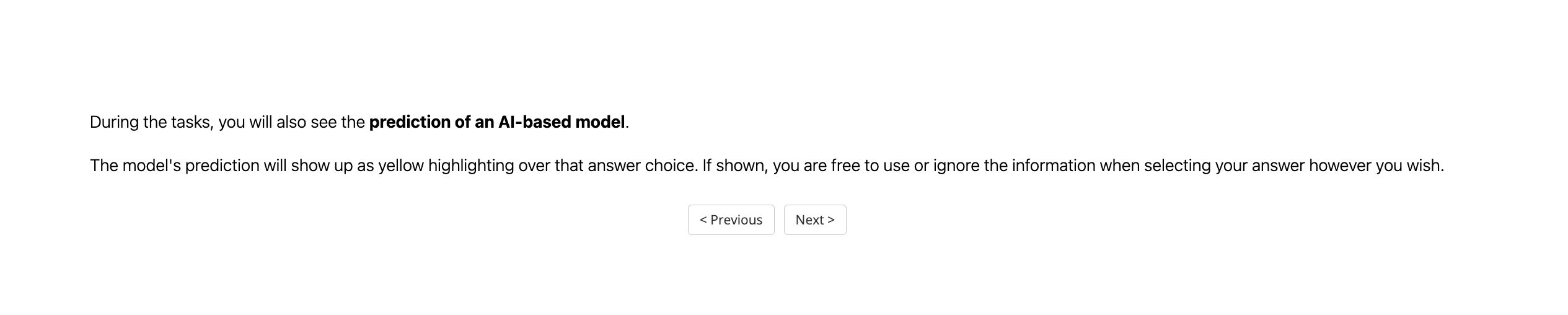
The image is a screenshot of a user interface displaying instructions related to an AI-based model's predictions during a task. The interface provides information on how the model's predictions will be presented to the user.
### Components/Axes
There are no axes or charts in this image. The key components are:
* **Text Blocks:** Two paragraphs of instructional text.
* **Buttons:** Two buttons labeled "< Previous" and "Next>".
### Detailed Analysis or Content Details
The text content is as follows:
"During the tasks, you will also see the prediction of an AI-based model."
"The model’s prediction will show up as yellow highlighting over that answer choice. If shown, you are free to use or ignore the information when selecting your answer however you wish."
The button "< Previous" is positioned on the left side of the screen.
The button "Next>" is positioned on the right side of the screen.
### Key Observations
The interface is minimalistic, focusing on clear instructions. The use of "yellow highlighting" is specifically mentioned as the visual indicator for the AI model's prediction. The user is explicitly given agency to either utilize or disregard the AI's suggestion.
### Interpretation
The screenshot suggests a user is participating in a task where an AI model provides assistance. The AI's role is to offer predictions, but the user retains full control over the final decision. This design likely aims to leverage the AI's capabilities without diminishing the user's autonomy or critical thinking. The emphasis on the yellow highlighting indicates a deliberate choice to make the AI's input visually distinct but not overly intrusive. The presence of "Previous" and "Next" buttons suggests a multi-step task or assessment.