\n
## Screenshot: Task Instructions & Navigation
### Overview
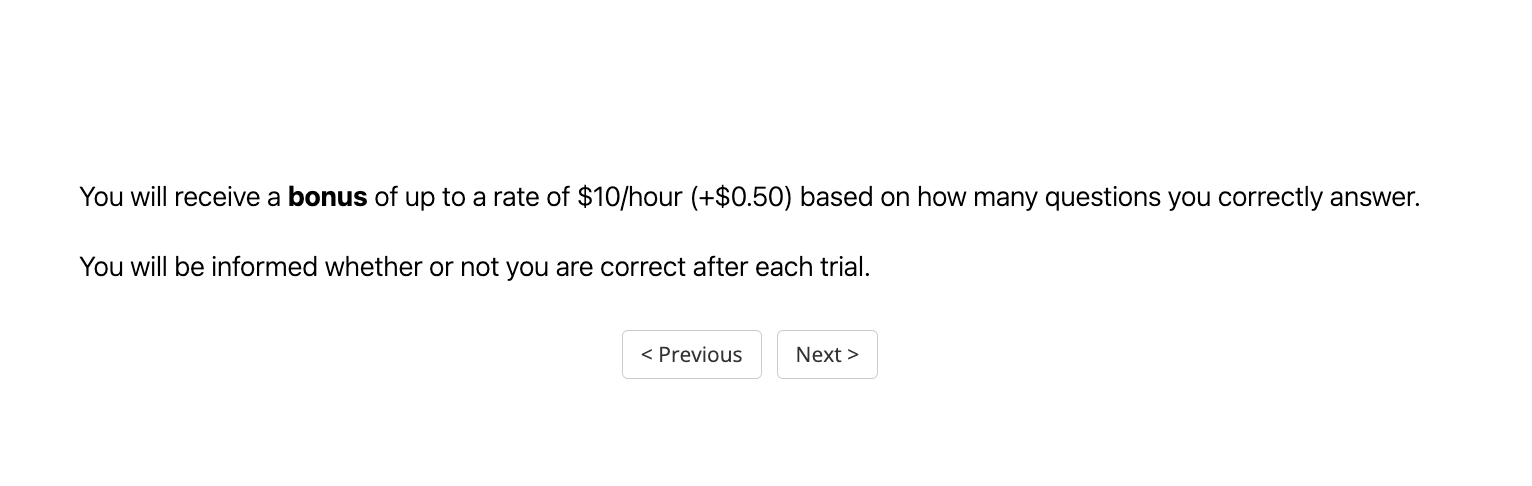
The image is a screenshot of a user interface displaying instructions related to a task and navigation buttons. The instructions detail a potential bonus structure based on performance.
### Components/Axes
There are no axes or charts present in this image. The key components are:
* **Instructional Text:** Two lines of text explaining a bonus system.
* **Navigation Buttons:** Two buttons labeled "< Previous" and "Next >".
### Detailed Analysis or Content Details
The text content is as follows:
"You will receive a **bonus** of up to a rate of **$10/hour** (+$0.50) based on how many questions you correctly answer."
"You will be informed whether or not you are correct after each trial."
The button "< Previous" is positioned on the bottom-left of the screen.
The button "Next >" is positioned on the bottom-right of the screen.
### Key Observations
The screenshot focuses on incentivizing accurate responses through a bonus system. The bonus is tiered, potentially increasing the hourly rate based on the number of correct answers. Immediate feedback is provided after each attempt.
### Interpretation
This screenshot represents a task interface designed to motivate users to provide accurate responses. The bonus structure suggests a performance-based reward system. The immediate feedback mechanism is intended to facilitate learning and improve accuracy over time. The bolding of "bonus" and "$10/hour" emphasizes the potential financial reward. The interface is simple and direct, focusing on clear communication of the task requirements and incentives. The presence of "Previous" and "Next" buttons indicates a multi-step or iterative task flow.