\n
## Screenshot: User Interface Text
### Overview
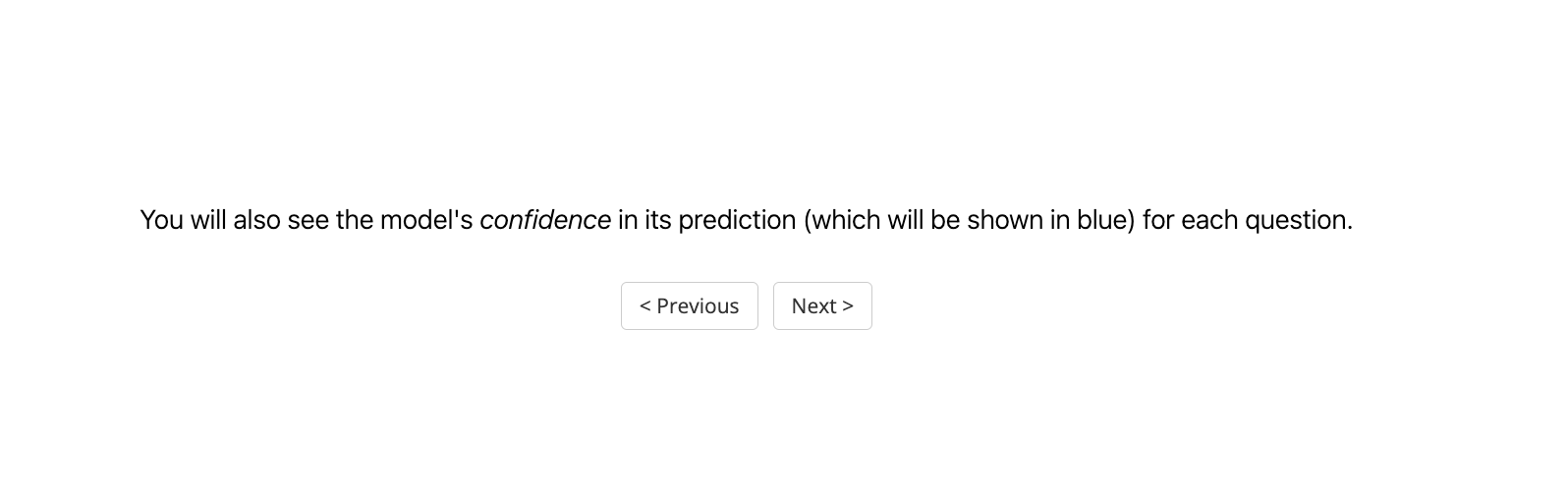
The image is a screenshot of a user interface element, displaying a textual message and navigation buttons. It appears to be part of a larger interactive system, likely a quiz or assessment. The image does not contain any charts, graphs, or diagrams with quantifiable data.
### Components/Axes
There are no axes or charts present. The key components are:
* **Text Block:** A sentence explaining that the model's confidence in its prediction will be displayed in blue for each question.
* **"Previous" Button:** A button labeled "< Previous" for navigating to the previous step or question.
* **"Next" Button:** A button labeled "Next >" for navigating to the next step or question.
### Detailed Analysis or Content Details
The text block reads: "You will also see the model's confidence in its prediction (which will be shown in blue) for each question."
The "Previous" button is positioned on the left side, and the "Next" button is positioned on the right side, both at the bottom of the visible area.
### Key Observations
The image provides information about the user experience, specifically regarding the display of model confidence. There is no numerical data or quantifiable information.
### Interpretation
The screenshot indicates that the system provides feedback on the certainty of its predictions. The use of color (blue) to indicate confidence is a common UI/UX practice. The presence of "Previous" and "Next" buttons suggests a step-by-step process, such as a questionnaire or tutorial. The image is purely informational and does not present any data for analysis beyond the textual content.