\n
## Screenshot: Knowledge Check Instructions
### Overview
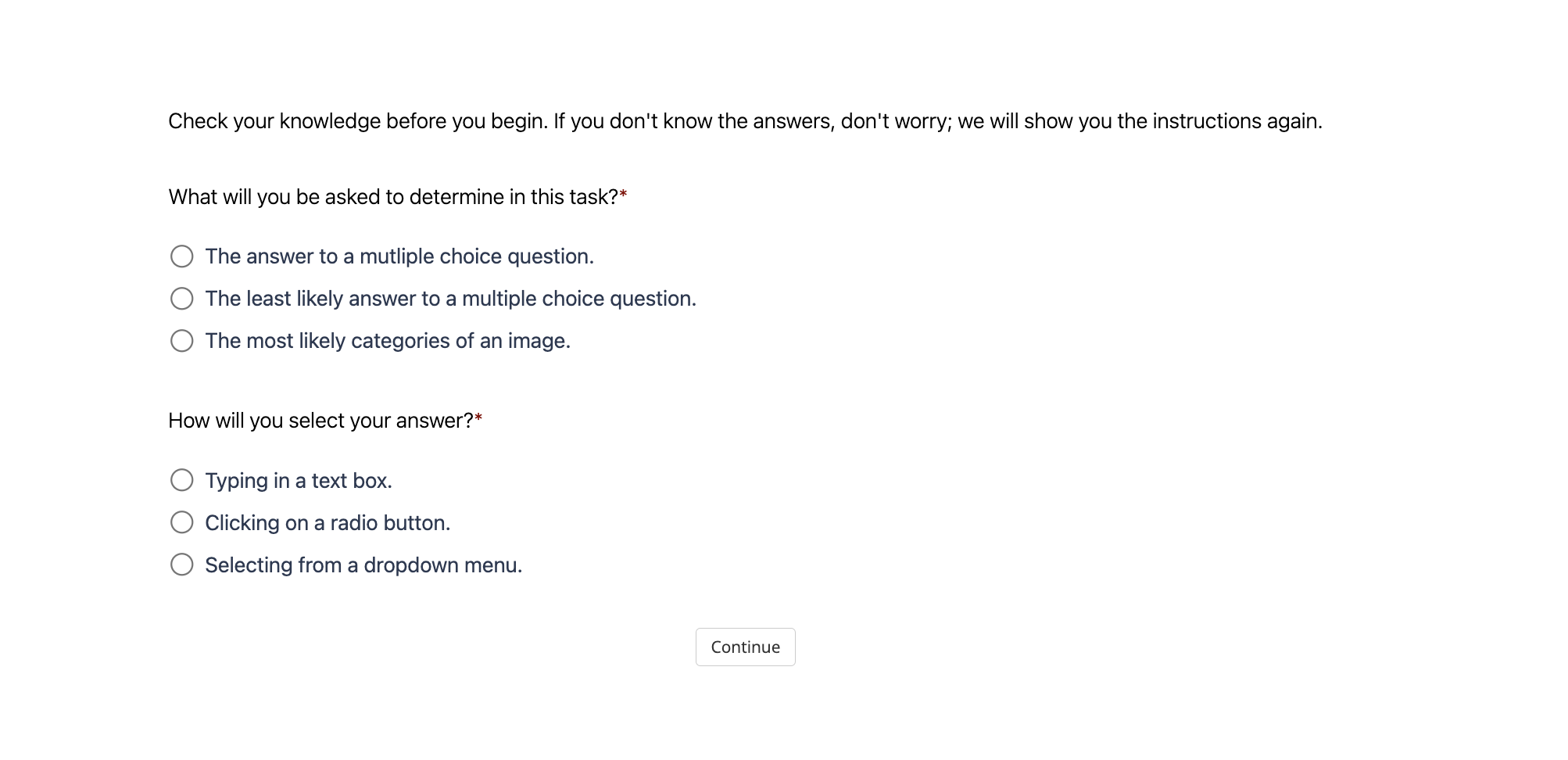
The image is a screenshot of a knowledge check interface. It presents two multiple-choice questions to the user, likely as a preliminary assessment before a more complex task. The interface is clean and minimalist, with a white background and simple text formatting.
### Components/Axes
The screenshot contains the following elements:
* **Header Text:** "Check your knowledge before you begin. If you don't know the answers, don't worry; we will show you the instructions again."
* **Question 1:** "What will you be asked to determine in this task?"
* **Option 1:** "The answer to a multiple choice question."
* **Option 2:** "The least likely answer to a multiple choice question."
* **Option 3:** "The most likely categories of an image."
* **Question 2:** "How will you select your answer?"
* **Option 1:** "Typing in a text box."
* **Option 2:** "Clicking on a radio button."
* **Option 3:** "Selecting from a dropdown menu."
* **Button:** "Continue" (located at the bottom-center of the screen)
### Detailed Analysis or Content Details
The screenshot presents a set of instructions and questions designed to gauge the user's understanding of the task ahead. The questions are formatted as multiple-choice, with three options for each. The "Continue" button suggests that the user must answer these questions before proceeding.
The questions themselves are meta-cognitive, asking the user to reflect on the *type* of task they will be performing and the *method* of providing input.
### Key Observations
The interface is designed to be user-friendly and non-intimidating. The inclusion of the sentence "If you don't know the answers, don't worry; we will show you the instructions again" suggests that the knowledge check is not a high-stakes assessment, but rather a way to ensure the user is prepared for the task.
### Interpretation
The data suggests that the task involves image analysis and categorization. The questions specifically mention "multiple choice questions" and "categories of an image," indicating that the user will likely be presented with images and asked to select the most appropriate category or answer. The options for selecting answers (text box, radio button, dropdown menu) suggest a variety of input methods may be used.
The overall purpose of this interface is to prime the user for the task and ensure they understand the expected input and output formats. It's a form of scaffolding, providing support and guidance before the main activity begins. The emphasis on reassurance ("don't worry") suggests the task may be complex or challenging, and the knowledge check is intended to reduce anxiety and build confidence.